15 Best Websites for Free eTextbooks (Legal PDF & EPUB Downloads)
Introduction
A single college textbook can cost more than a week of groceries. Multiply that by four or five courses and the bill gets ugly fast. It's no surprise that "free etextbooks" is one of the most common searches students type in August and January.
The good news is that legal options have gotten much better. Universities, nonprofits, and libraries now publish thousands of full-length textbooks that cost nothing to read, download, and keep. Some are peer-reviewed and used in real classrooms across the country.
In this guide, you'll find 15 trustworthy websites, what each one is best for, and which formats you can expect (PDF, EPUB, or web only). We'll also cover how to pick the right format and what to do when a file won't open the way you want.
What Counts as a "Free eTextbook"? (And What to Avoid)
Not every "free" book is free in the same way. There are three main kinds, and knowing the difference saves a lot of confusion.
Open textbooks (OER). These are written to be shared. The authors publish them under an open license, usually Creative Commons, so you can download, read, and often print them at no cost. Most of the sites below fall into this group.
Public domain books. Copyright has expired, so anyone can download them. This works well for classic literature, philosophy, and older science and math texts. It works poorly for current course editions.
Free library loans. Some sites let you "borrow" a digital copy for a short time, like a library book. You can read it, but you can't keep it forever.
Why you should skip pirate sites
Sites like Z-Library and LibGen offer almost any textbook you can name. The catch is that most of those files are shared without the copyright holder's permission. Beyond the legal risk, these sites are known for fake download buttons, bundled malware, and files that turn out to be the wrong edition. A book that costs you a ruined laptop isn't free.
Quick tip: check the license first
Before you download or share a book, look for a license line on the first pages or the book's details page. Here's what the common labels mean:
CC BY: You can use and adapt it, as long as you credit the author.
CC BY-SA: Same as above, but anything you create from it must use the same license.
CC BY-NC: Free to use, but not for commercial purposes.
Public domain: No restrictions.
For personal study, you're fine with any of these. The license matters more if you plan to print copies, share them with a class, or edit the book.
15 Best Websites for Free eTextbooks
1. OpenStax
Website: openstax.org
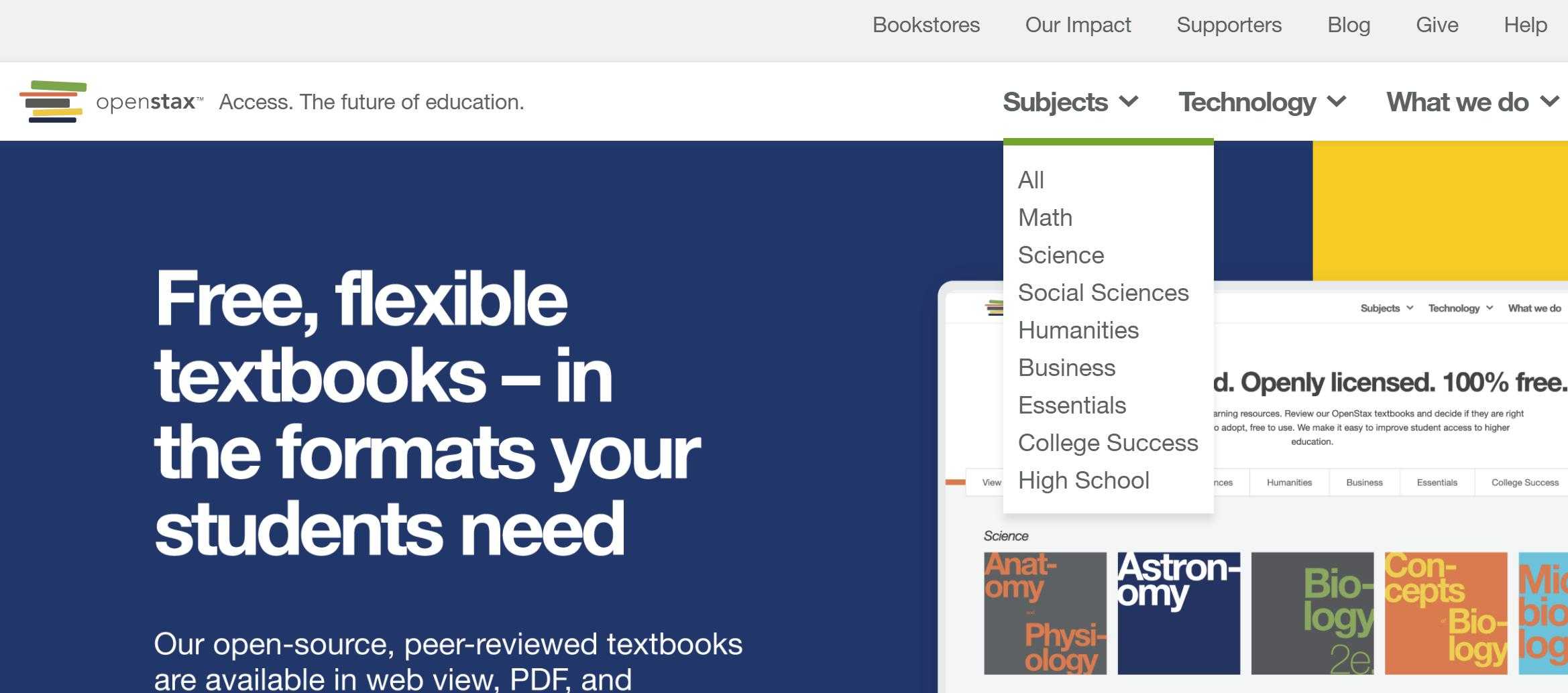
OpenStax is the best place to start for most college students. It's a nonprofit based at Rice University, and its peer-reviewed books are used at a large share of U.S. colleges. According to OpenStax, its library of 80+ peer-reviewed textbooks is available free online, as free downloadable PDFs, and in affordable print editions.
Best for: Intro courses in math, science, business, economics, and social sciences
Formats: Web and PDF
Good to know: No account is required to read most OpenStax textbooks. A free account only adds extras like highlighting and notes.
2. LibreTexts
Website: libretexts.org
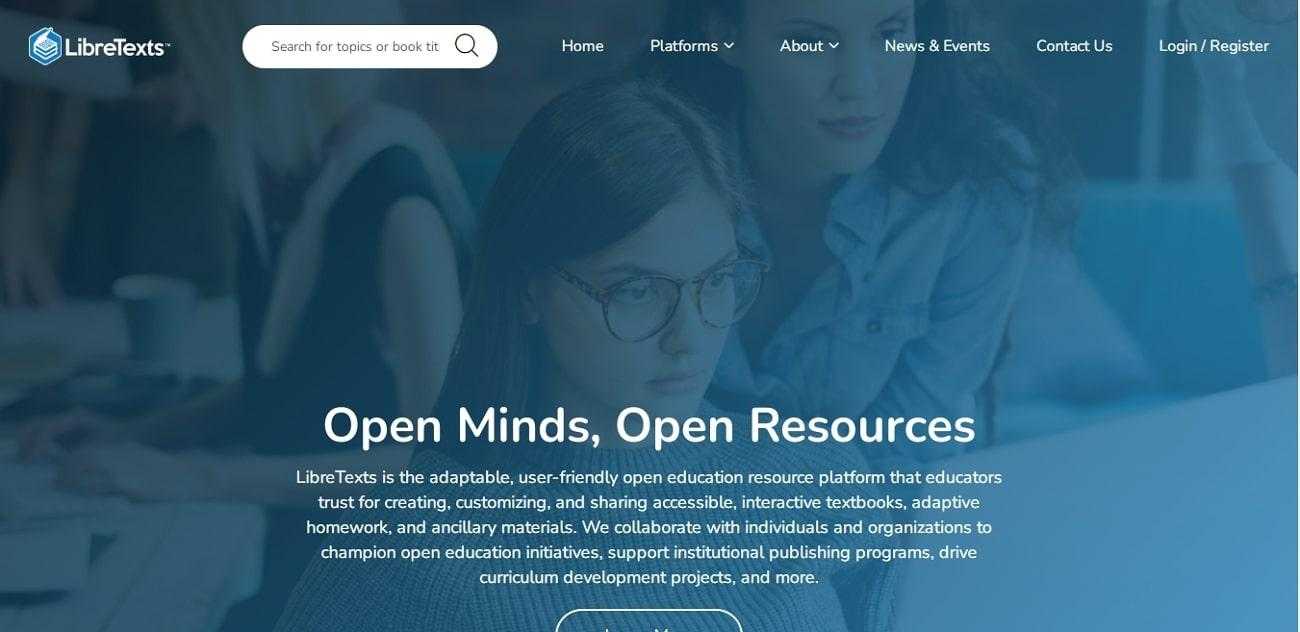
LibreTexts is a huge collection of online textbooks built by faculty from many colleges. It's strongest in STEM, especially chemistry, biology, physics, engineering, and math, but it also covers the humanities and social sciences.
Best for: STEM students who want several books on the same topic
Formats: Mostly web-based, with PDF export available for many books and chapters
Good to know: Quality varies from book to book, so check who wrote it and when it was last updated.
3. Open Textbook Library
Website: open.umn.edu/opentextbooks
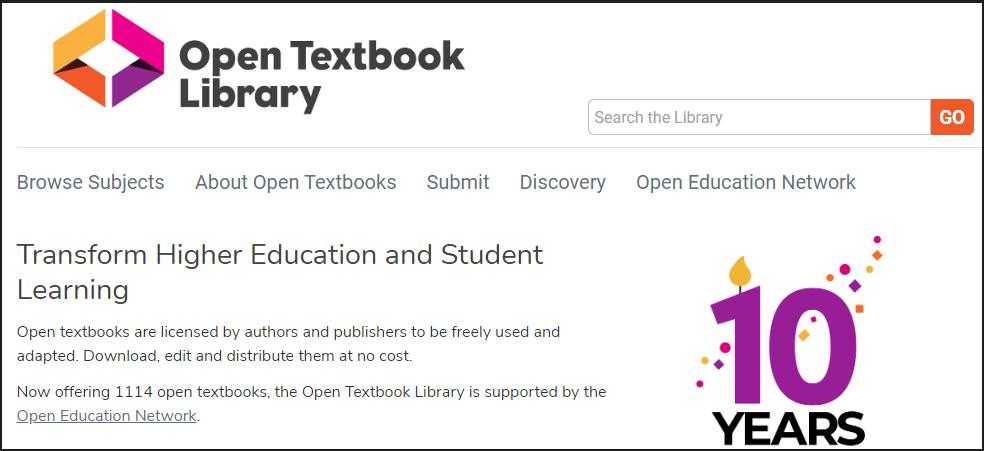
Run by the Open Education Network and hosted at the University of Minnesota, the Open Textbook Library is a catalog of free, peer-reviewed, openly licensed textbooks. Think of it as a well-organized shelf rather than a single publisher.
Best for: Browsing by subject and reading faculty reviews before you commit
Formats: Depends on the book. Many offer PDF, and some also offer EPUB or web versions.
Good to know: Each listing links to the book's real home, so you may land on another site to download it.
4. OER Commons
Website: oercommons.org
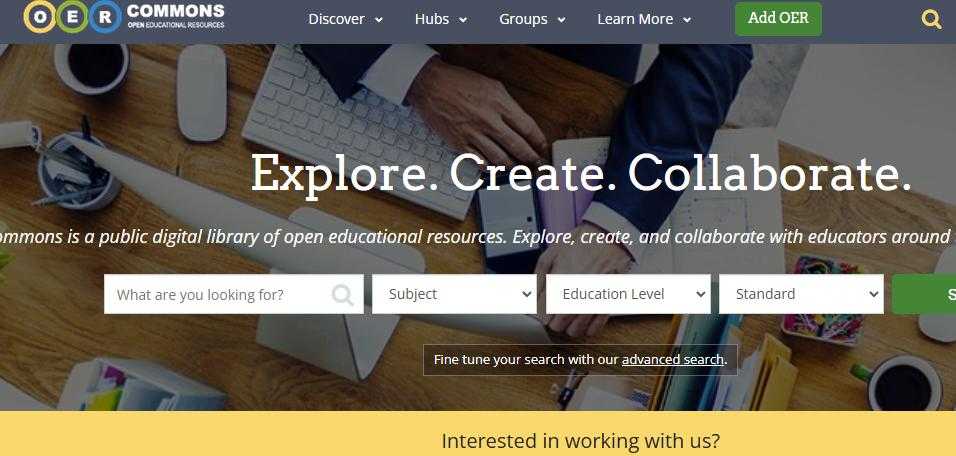
OER Commons is a large public library of open educational resources. You'll find full textbooks, but also lesson plans, videos, and course modules, which makes it handy for teachers.
Best for: Teachers and anyone who wants more than just textbooks
Formats: Varies by resource
Good to know: Use the filters for "Textbook" and your education level, or you'll wade through a lot of smaller materials.
5. BCcampus Open Education (B.C. Open Collection)
Website: collection.bccampus.ca (main site: open.bccampus.ca)
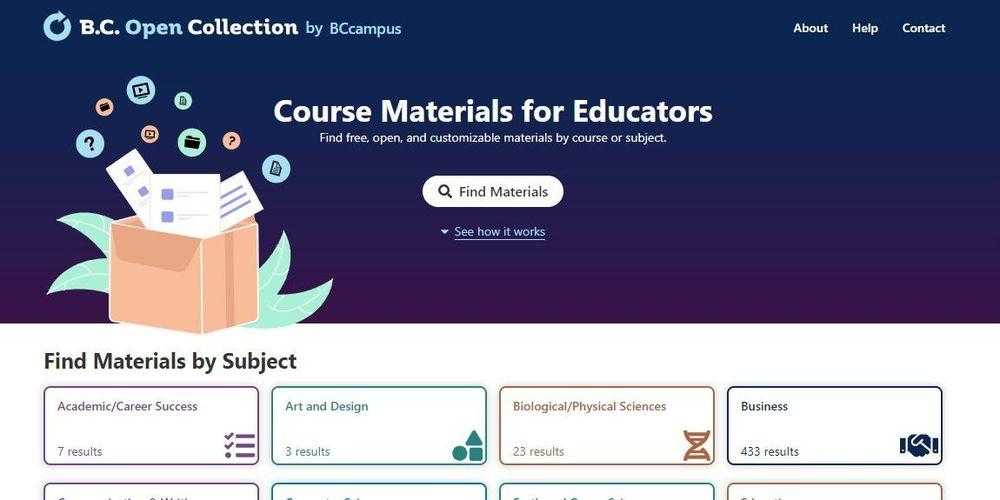
BCcampus, a Canadian higher education organization, publishes a well-known collection of open textbooks. Since February 2024, the old B.C. Open Textbook Collection is no longer hosted on the BCcampus OpenEd site, and its open textbooks and course packs continue in the B.C. Open Collection. The books are clearly organized and often available in several formats.
Best for: College and trade courses, including business, science, and health topics
Formats: Typically web, PDF, and EPUB
Good to know: Some books follow Canadian standards or examples, which matters for subjects like law, nursing, and accounting.
6. Saylor Academy
Website: saylor.org/
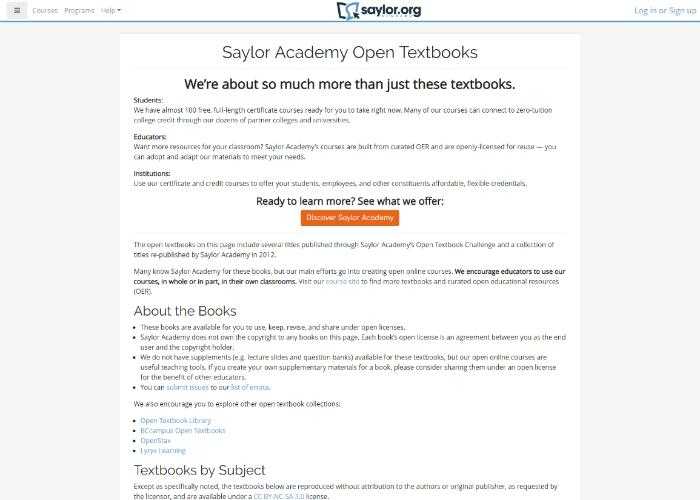
Saylor Academy is best known for free online courses, but it also keeps a bookshelf of open textbooks. Its collection lists 100+ free textbooks for students, educators, and families.
Best for: Self-learners who want a book plus a structured course
Formats: Many titles are available in HTML, PDF, and DOCX, with some offering additional formats
Good to know: Saylor doesn't own the copyright to the books on its page, so each book's license is set by its original author. Check the license on each one.
7. MERLOT
Website: merlot.org
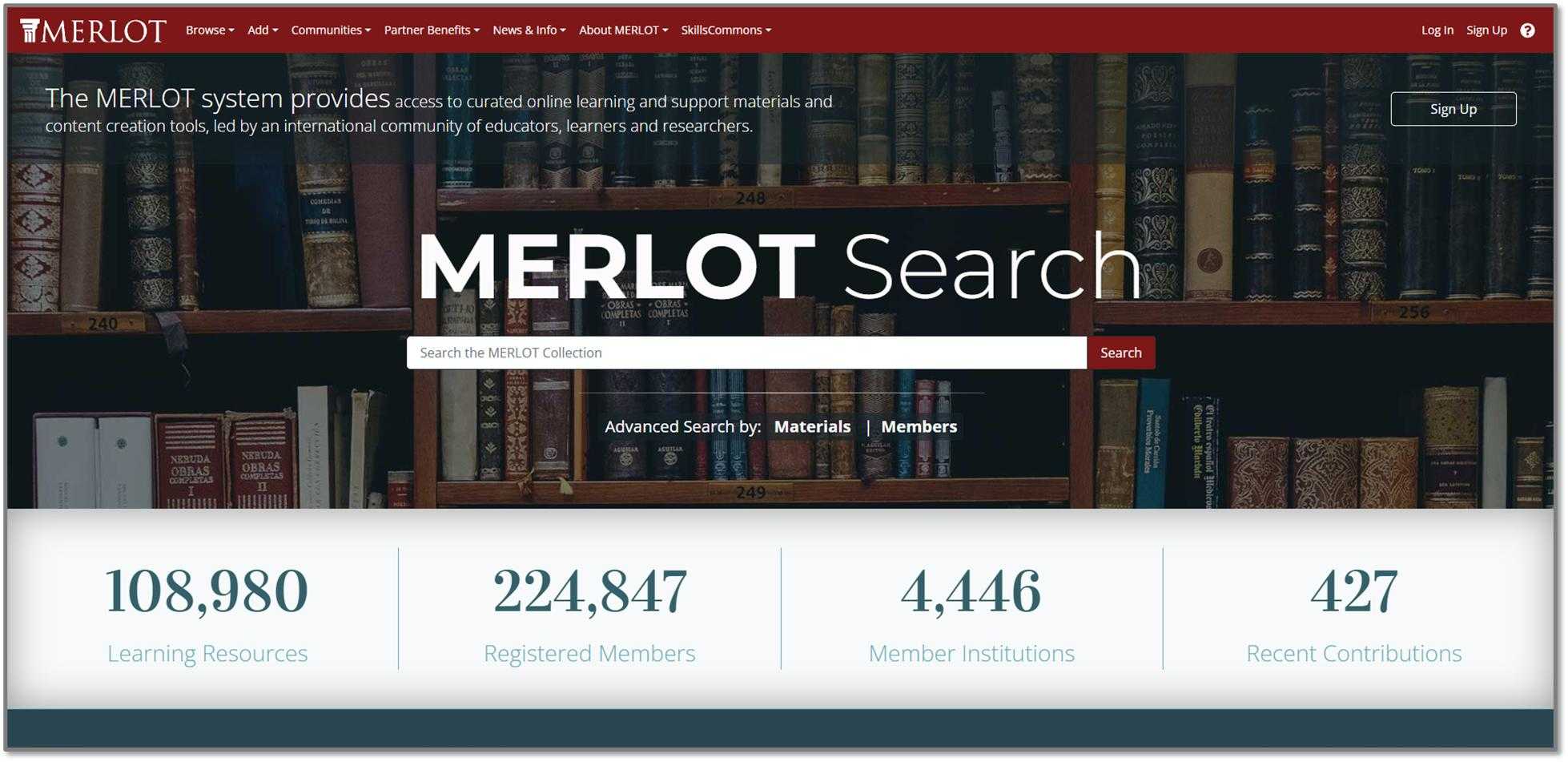
MERLOT (Multimedia Educational Resource for Learning and Online Teaching) is a curated collection of learning materials, with peer reviews and ratings from educators. Many entries are textbooks, but you'll see simulations, case studies, and tutorials too.
Best for: Instructors and students looking for reviewed, high-quality materials
Formats: Links to materials hosted elsewhere
Good to know: MERLOT is a directory, so downloads happen on the host site. A free account unlocks some features.
8. Pressbooks Directory
Website: pressbooks.directory
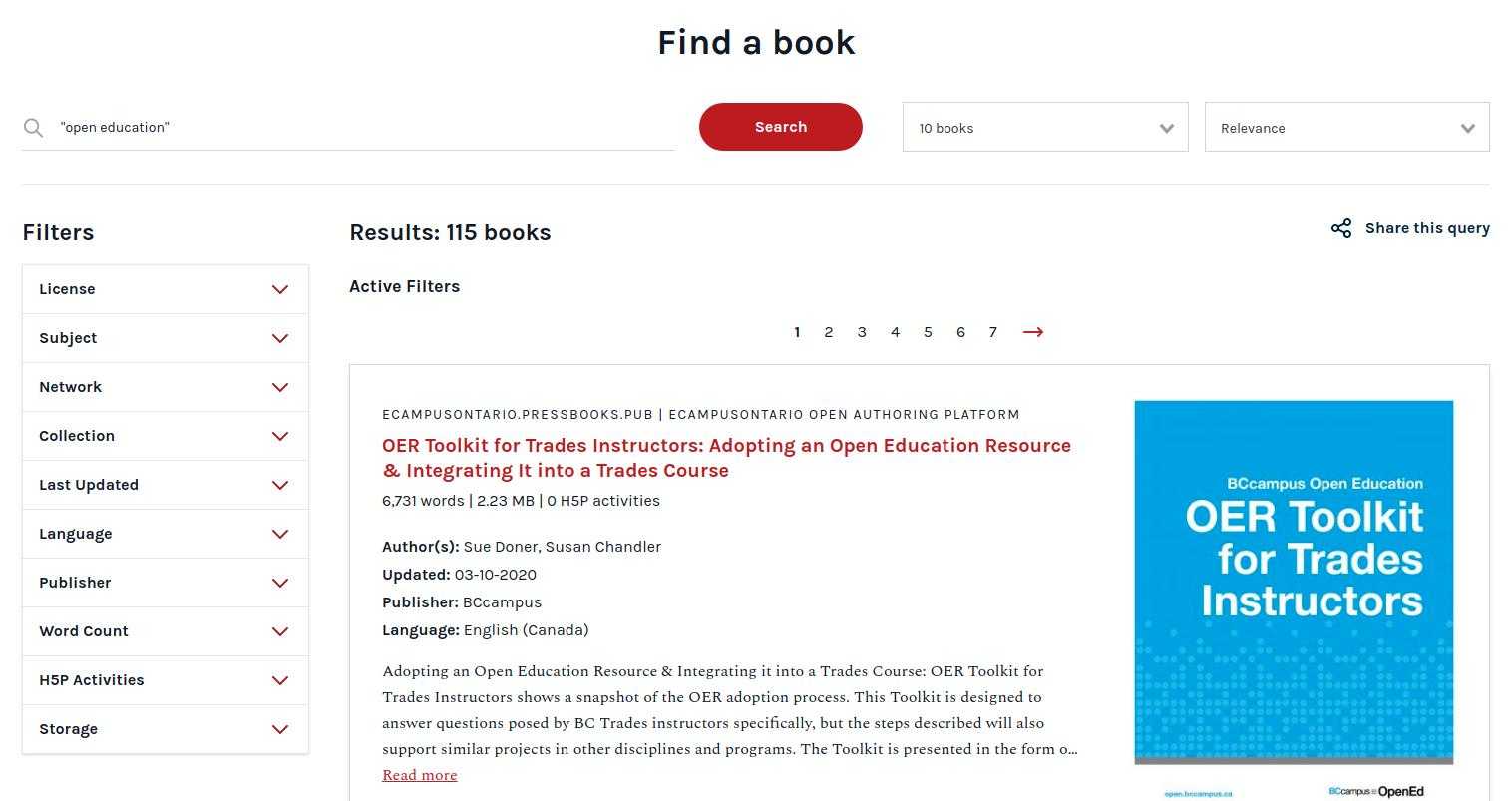
Pressbooks is a popular publishing tool used by many universities, and its public directory lists the open books made with it. It's a good place to find newer, niche, and instructor-written textbooks you won't see elsewhere.
Best for: Specialized topics and recently updated books
Formats: Web, with PDF and EPUB downloads on many books
Good to know: Licenses differ from book to book, so check before you reuse anything.
9. Wikibooks
Website: wikibooks.org
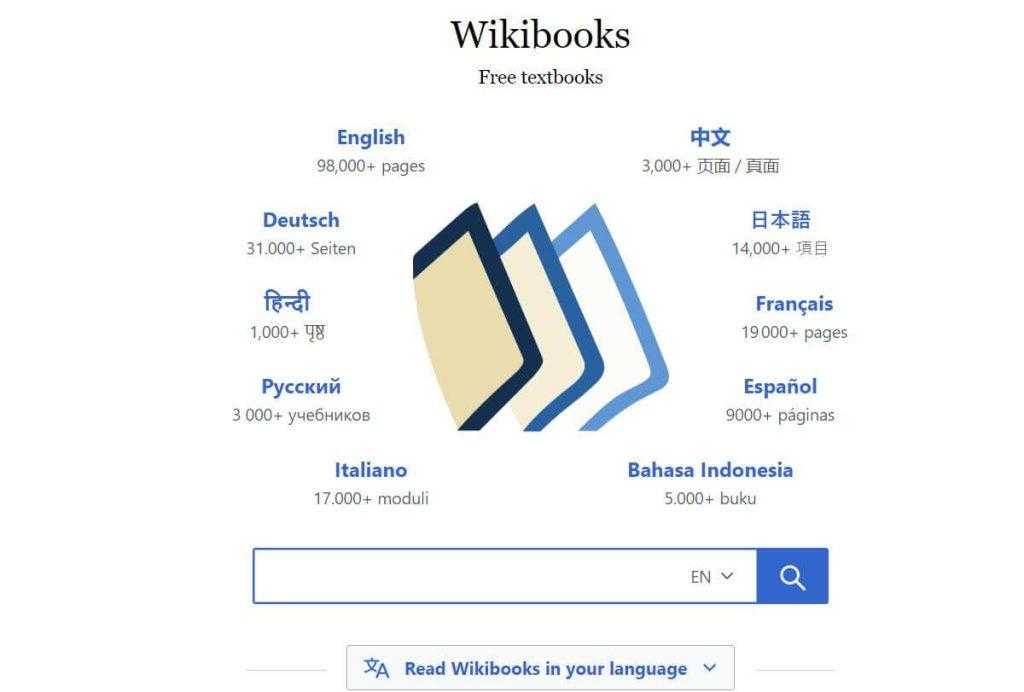
Wikibooks is the textbook project from the Wikimedia family. Anyone can write or edit, so the books are collaborative and free to use under open licenses.
Best for: Quick references, programming guides, and hobby-level learning
Formats: Mainly web, with PDF export options for many books
Good to know: Quality is uneven. Some books are excellent and others are unfinished, so treat it as a supplement rather than your main text.
10. Project Gutenberg
Website: gutenberg.org
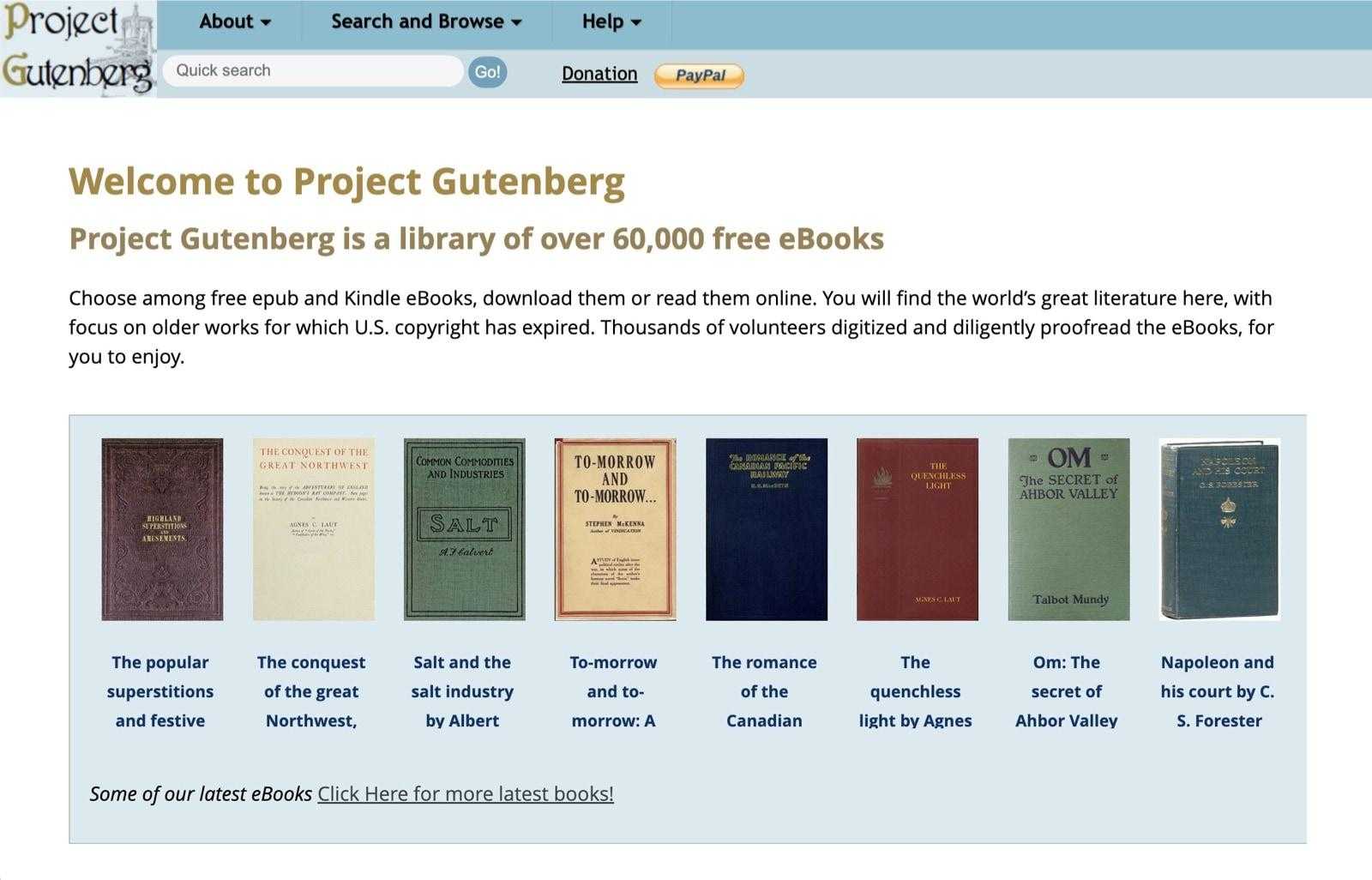
Project Gutenberg offers tens of thousands of public domain books. It has very few modern textbooks, but it's a goldmine for classics in literature, history, philosophy, economics, and early science.
Best for: Humanities courses and primary sources
Formats: EPUB, Kindle, and HTML (PDF isn't available for most titles)
Good to know: There's no account or sign-up, and no tracking of what you read.
11. Internet Archive
Website: archive.org
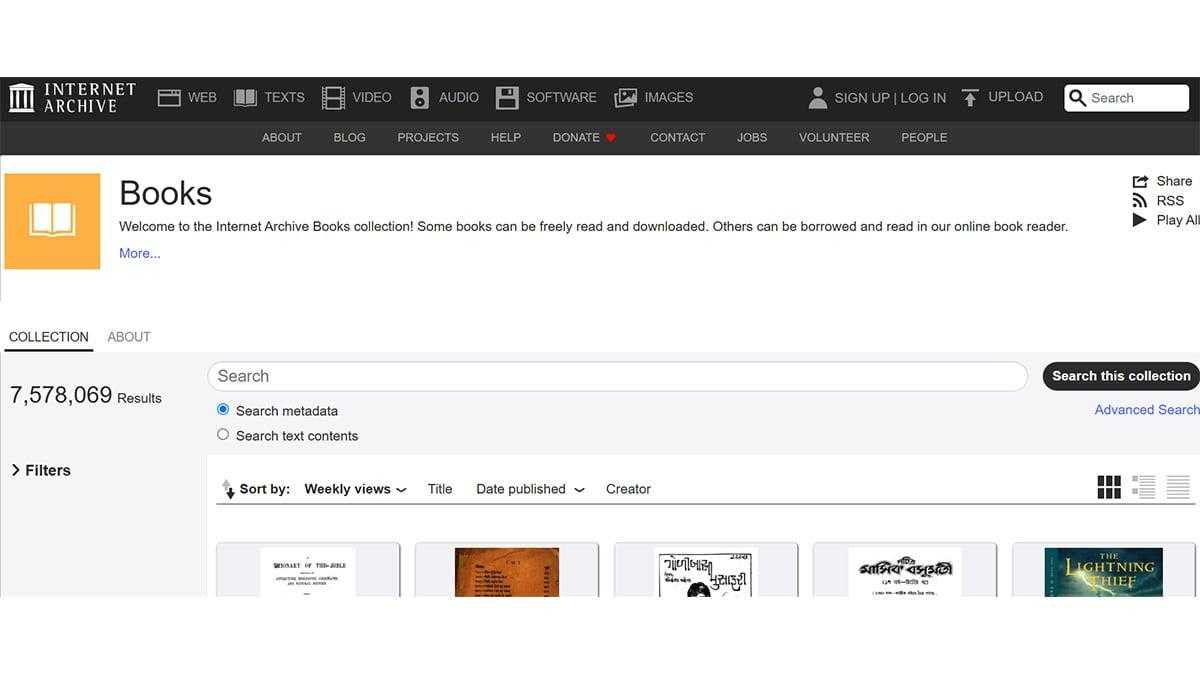
The Internet Archive hosts millions of books, scans, and texts. Public domain items can be downloaded in full. Newer in-copyright books are usually available to borrow through its lending library, not to keep.
Best for: Older editions, hard-to-find books, and borrowing a book for a short time
Formats: PDF, EPUB, and online reader, depending on the item
Good to know: Borrowed books are usually available for about 1 to 14 days after you create a free account, like a library loan. They aren't permanent offline copies.
12. HathiTrust Digital Library
Website: hathitrust.org
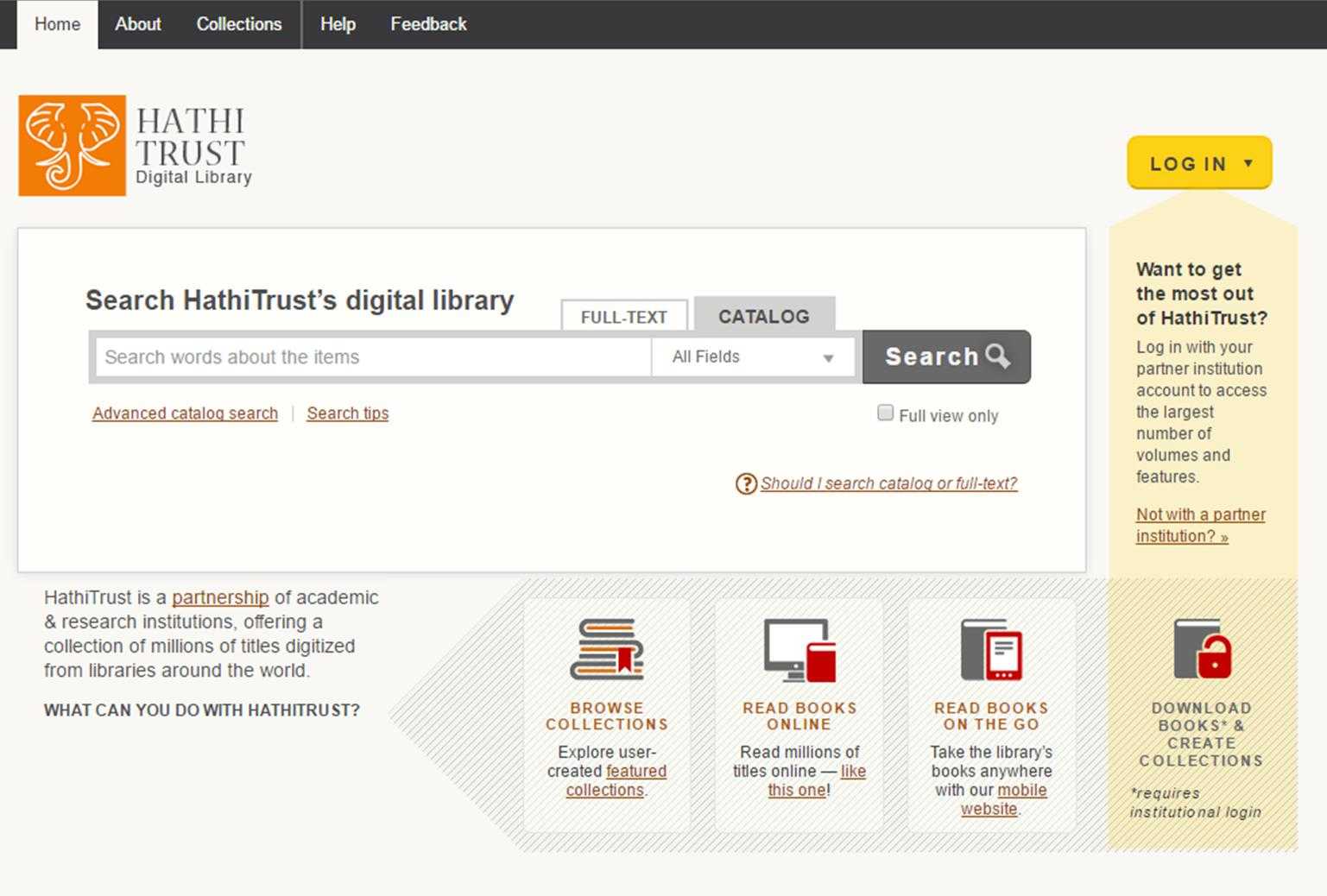
HathiTrust is a large digital library built by university libraries. You can search the full text of millions of volumes, and public domain items are open to read online.
Best for: Older scholarly works and historical texts
Formats: Online reader, with download options that vary by book and login status
Good to know: Most modern, in-copyright books are search-only here, so don't expect current course textbooks.
13. Directory of Open Access Books (DOAB)
Website: doabooks.org
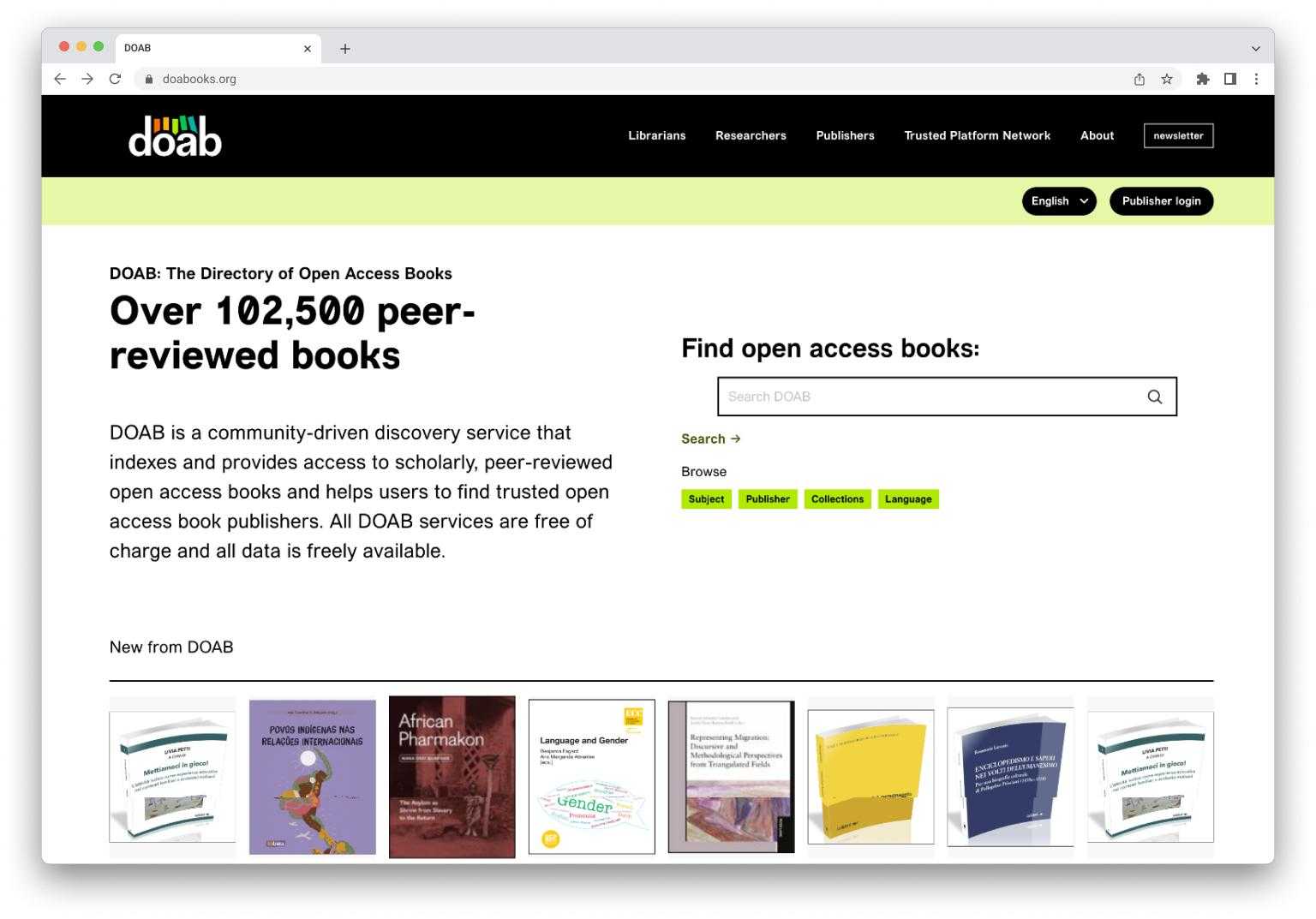
DOAB is a searchable index of academic books that publishers have made open access. These tend to be scholarly books rather than classroom textbooks, which is perfect for research and upper-level reading.
Best for: Humanities, social sciences, and graduate-level research
Formats: Mostly PDF, hosted by the publishers
Good to know: Use it when your professor asks for deeper reading, not for a basic intro text.
14. MIT OpenCourseWare
Website: ocw.mit.edu
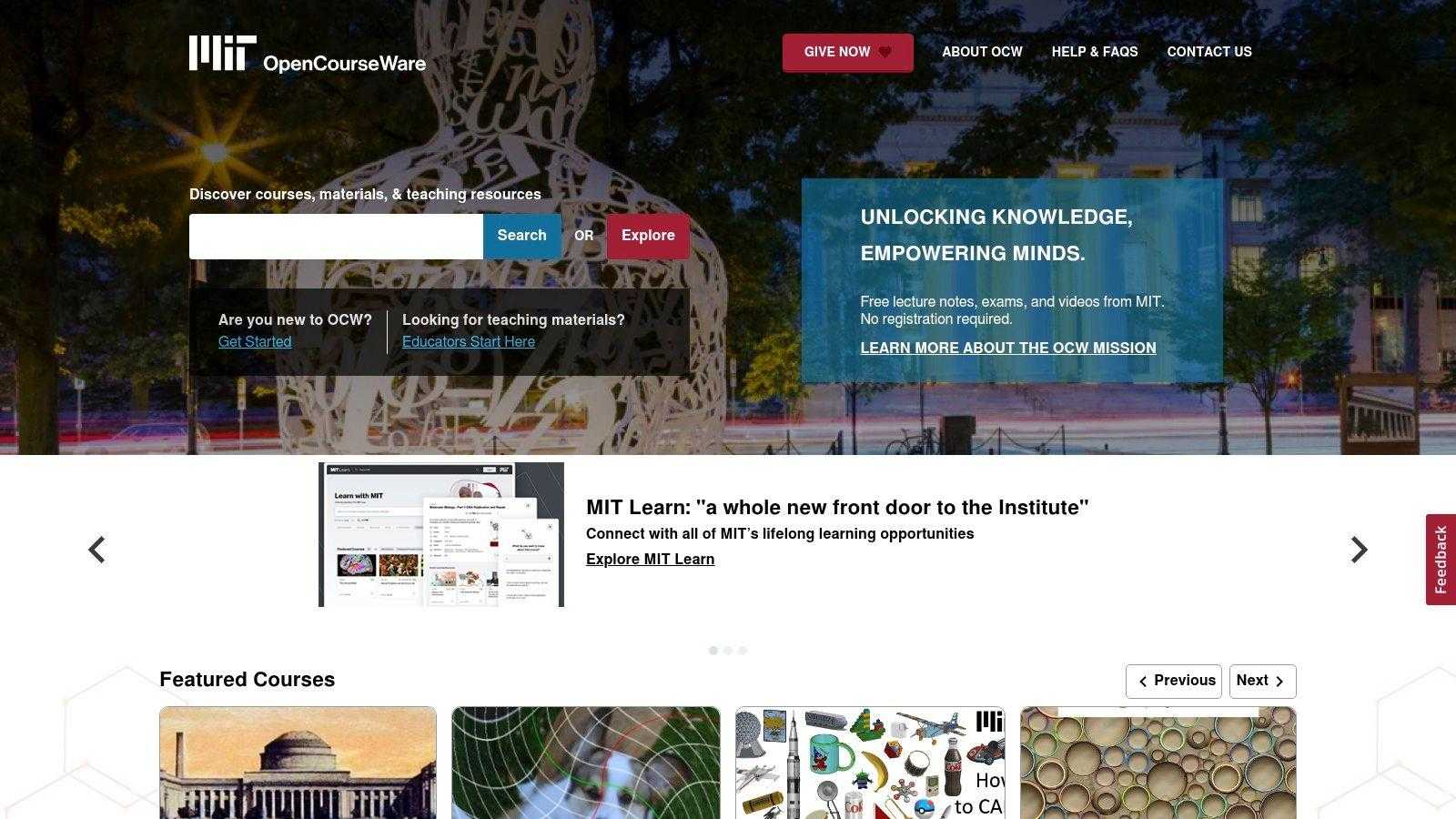
MIT OpenCourseWare publishes materials from real MIT courses. You won't find a classic textbook for every class, but you'll often get lecture notes, assignments, readings, and exams that stand in for one.
Best for: Math, engineering, computer science, and self-study
Formats: Web pages and downloadable PDFs
Good to know: Most content is licensed CC BY-NC-SA, which means non-commercial use only.
15. Google Books
Website: books.google.com
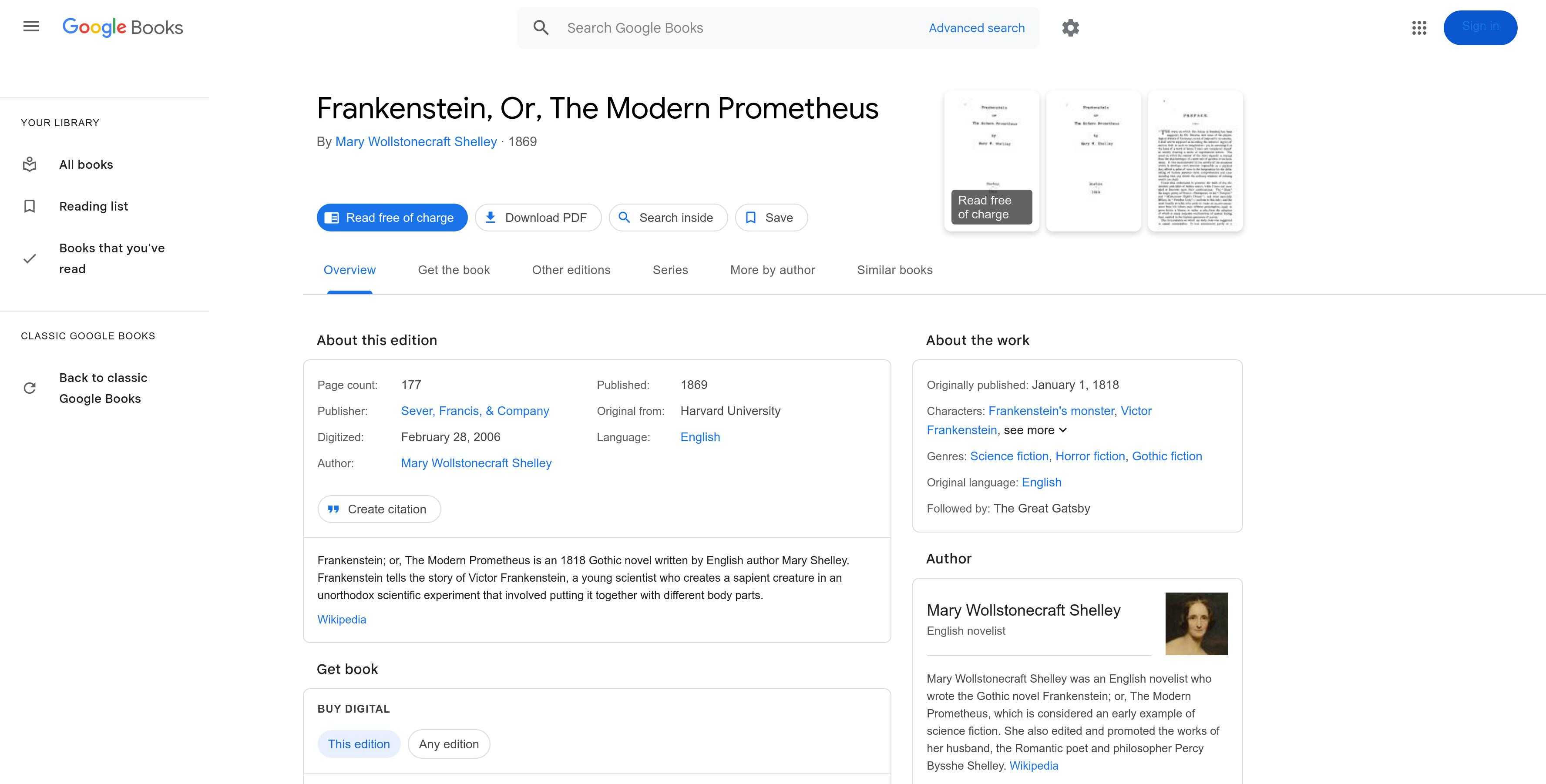
Google Books is hit-or-miss for textbooks, but it's worth a quick check. Many titles are preview-only, while public domain books can often be downloaded in full.
Best for: Checking whether a free full-view edition exists
Formats: Online reader, with PDF or EPUB downloads on free, full-view books
Good to know: Use the "Free Google eBooks" filter to skip preview-only results.
Quick Comparison Table
| Site | Best for | Formats | License | Sign-up needed? |
|---|---|---|---|---|
| OpenStax | Intro college courses | Web, PDF | Creative Commons | No |
| LibreTexts | STEM | Web, PDF export | Mostly Creative Commons | No |
| Open Textbook Library | Browsing by subject | Varies (PDF, EPUB, web) | Creative Commons | No |
| OER Commons | Teachers, mixed resources | Varies | Varies | No |
| BCcampus (B.C. Open Collection) | College and trade courses | Web, PDF, EPUB | Mostly Creative Commons | No |
| Saylor Academy | Self-study | HTML, PDF, DOCX | Varies by book | No |
| MERLOT | Reviewed materials | Links elsewhere | Varies | Optional |
| Pressbooks Directory | Niche, newer books | Web, PDF, EPUB | Varies | No |
| Wikibooks | Quick reference | Web, PDF export | CC BY-SA | No |
| Project Gutenberg | Classics | EPUB, Kindle, HTML | Public domain | No |
| Internet Archive | Older editions, loans | PDF, EPUB, reader | Public domain / lending | Free account for loans |
| HathiTrust | Historical works | Online reader | Public domain (full view) | Varies |
| DOAB | Scholarly research | Mostly PDF | Mostly open access | No |
| MIT OpenCourseWare | Self-study STEM | Web, PDF | CC BY-NC-SA | No |
| Google Books | Full-view checks | Reader, PDF/EPUB | Public domain / publisher | No |
Which Site Should You Start With?
You don't need all 15. Here's a faster way to choose.
If you're a college student in an intro course: Start with OpenStax. Then check the Open Textbook Library and BCcampus. Together they cover most first- and second-year subjects.
If you need STEM or math books: Try LibreTexts first, then OpenStax and MIT OpenCourseWare. If you want a different explanation of the same topic, LibreTexts often has several.
If you want classic or older texts: Go to Project Gutenberg, then the Internet Archive and HathiTrust. These are your best bets for primary sources and public domain works.
If you're a teacher looking for course material: Use OER Commons, MERLOT, and the Open Textbook Library. All three make it easy to compare options and see reviews.
One more trick: if you have a specific textbook title, search for the subject and look for an open alternative. Your exact edition may not be free, but a similar open book often covers the same ground. If you're not sure it's allowed, ask your instructor.
PDF vs. EPUB: Which Format Should You Choose?
When a site offers both, pick based on how you study.
Choose PDF when:
You want to print pages or chapters
The book has lots of charts, equations, or diagrams
You want page numbers that match what your instructor says
Choose EPUB when:
You read on a phone, tablet, or e-reader
You want to change the font size and spacing
The book is mostly text, like a novel or a history book
PDF keeps the layout fixed, so it looks the same everywhere, but it can feel cramped on small screens. EPUB reflows the text to fit your screen, but complex tables and formulas sometimes look messy. If you're unsure, download both when they're available.
Can't Open It or Need a Different Format? Convert It Offline
It happens all the time. The book you need is only available as an EPUB, but your tablet app doesn't support it. Or it's a PDF, and you'd like to edit it in Word, mark it up, or copy sections into your notes.
That's where a converter helps. A few common situations:
An EPUB won't open on your computer
You want a DOCX version so you can highlight, comment, and rearrange text
You need a printable PDF from an EPUB
You want a plain TXT file for quick searching or text-to-speech
Convert eTextbooks with Linraw doBook (Windows & Mac)
Linraw doBook is a desktop toolkit for Windows and macOS with a set of ebook and PDF tools, including converters for PDF, EPUB, TXT, and DOCX. Everything runs on your computer, so there's nothing to upload.
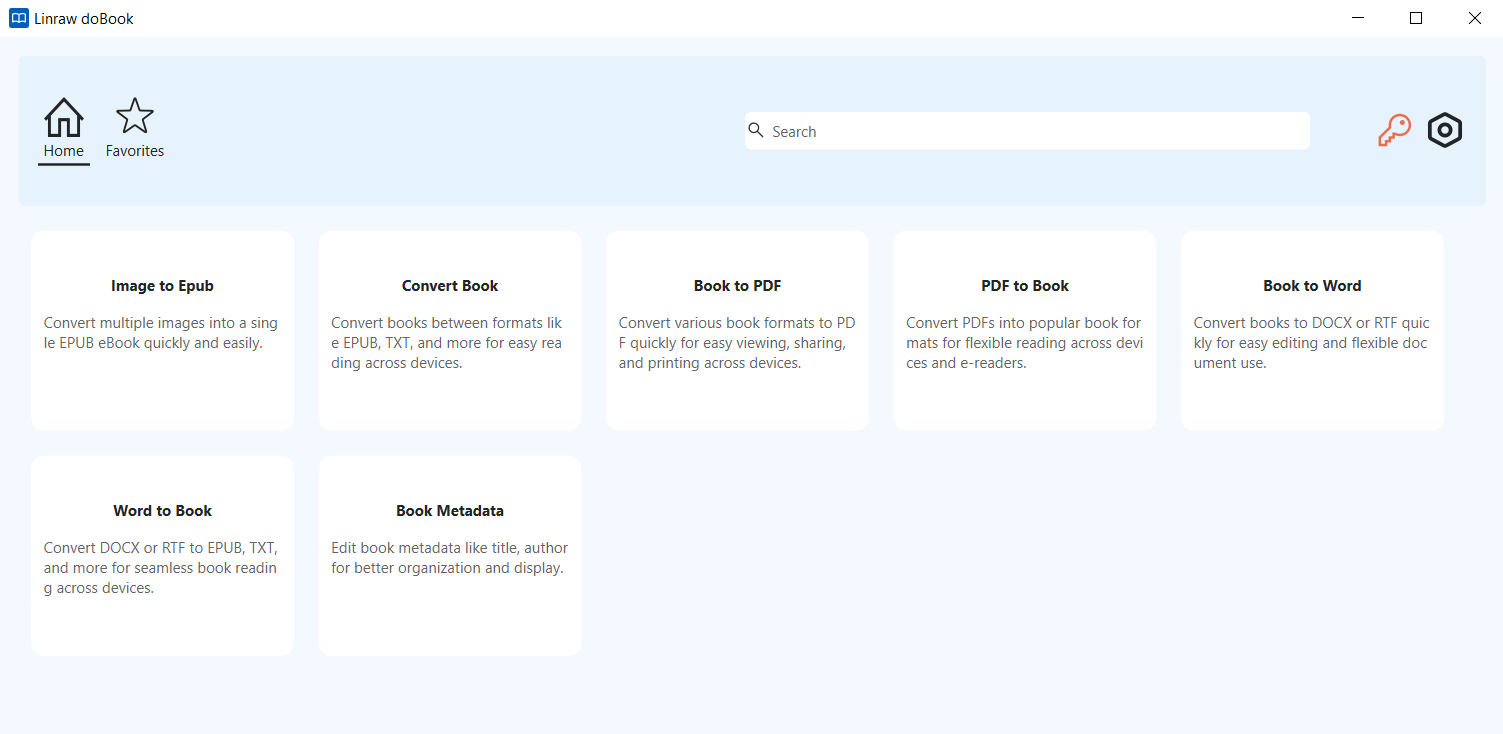
Here's the basic process:
Open Linraw doBook and choose the ebook tools.
Pick the output format, such as EPUB, PDF or DOCX.
Add your file (or several at once).
Click Start, then open your new file.
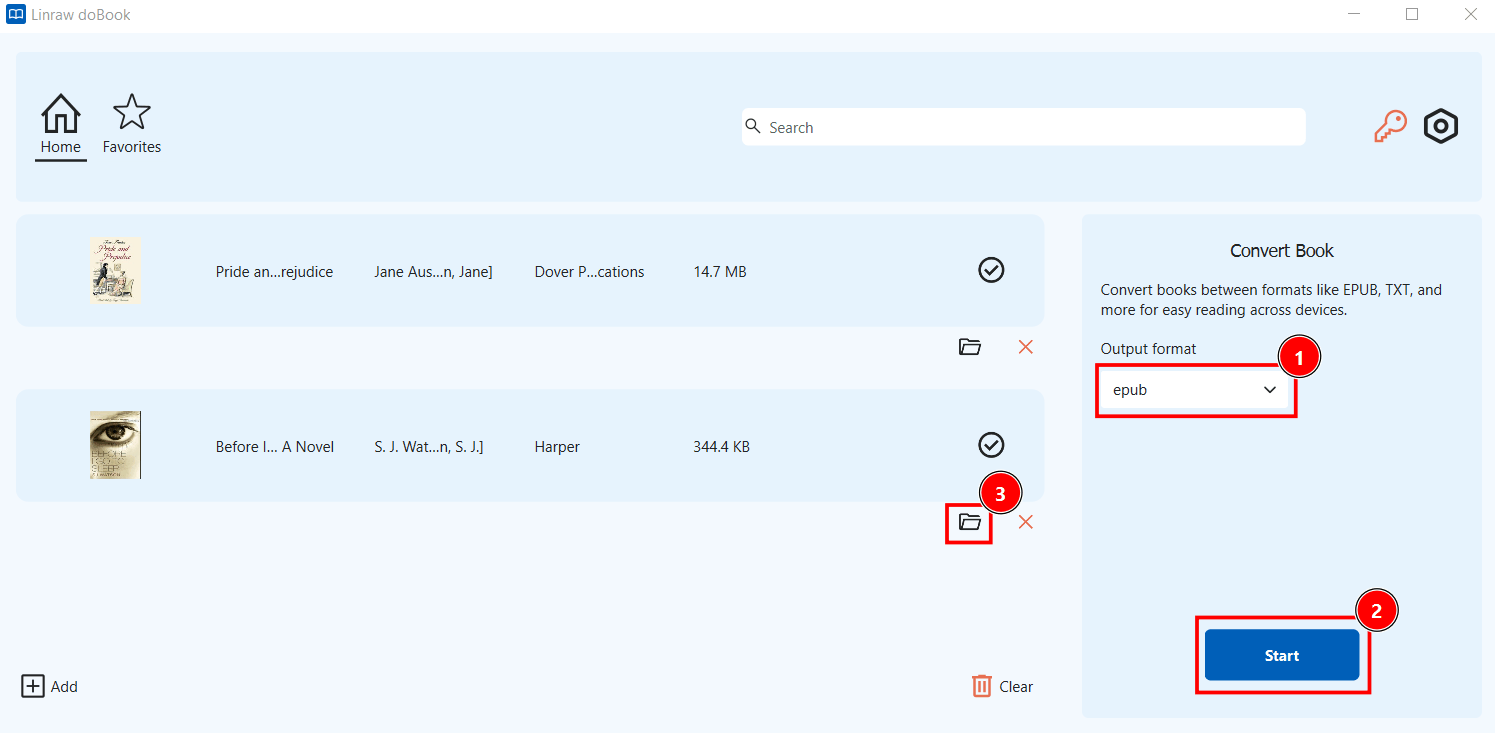
Open textbooks don't use DRM locks, so conversion is usually simple. Still, check the book's license. Converting a file for your own study is fine, but sharing a converted copy follows the same rules as the original.
Why converting offline is handy
Textbooks are big files, and some are hundreds of pages long. Uploading them to a website can be slow, and many online converters cap file size. Doing it offline is faster, works without internet, and keeps your study materials on your own computer.
Tips for Reading and Organizing Your eTextbooks
Free books are only useful if you can find them again later. A few habits help.
Keep files tidy. Make one folder per semester, then a subfolder per course. Use clear names like Biology-101_OpenStax_2e.pdf. Future you will be grateful in December.
Use search and highlights. Press Ctrl+F (or Cmd+F on Mac) to jump to a term. Most PDF and EPUB readers also let you highlight and add notes, which beats scrolling through 800 pages the night before an exam.
Save the source. Add a short text note with the website, the license, and the download date. If your instructor ever asks where a book came from, you'll have the answer.
Back up your library. Copy your textbook folder to an external drive or cloud storage once a month. Free books are easy to re-download, but your highlights and notes aren't.
Frequently Asked Questions
Are free eTextbooks really legal?
Yes, as long as you use the right sources. Open textbooks, public domain books, and library loans are all legal. Pirate sites that share copyrighted books without permission are not.
Can I get my exact required textbook for free?
Sometimes, but not often. Most major publishers' current editions aren't free. Your instructor may use an open textbook, so check your syllabus. If not, look for an open book on the same subject, or ask whether an older edition is acceptable.
What's the difference between OER and public domain?
OER (open educational resources) are copyrighted works that the author has chosen to share under an open license. Public domain works have no copyright at all, usually because they're old. OER are usually more current, while public domain books skew toward classics.
Are free eTextbooks as good as paid ones?
Many are. Books from OpenStax and similar projects are peer-reviewed and used in real courses. Quality does vary across the open world, so look for reviews, recent updates, and clear author credentials.
Do I need an account to download?
Usually not. OpenStax, Project Gutenberg, and most open textbook sites let you download without signing up. Borrowing from the Internet Archive requires a free account.
Can I print a free eTextbook?
In most cases, yes. Open licenses generally allow printing for personal use. Check the license if you plan to print copies for a class or sell them. Some sites also sell low-cost printed editions.
How do I read EPUB files on my computer?
You need an EPUB reader app, such as Calibre, Thorium Reader, or Apple Books on a Mac. If you'd rather not install one, you can convert the EPUB to PDF and open it in any PDF viewer.
Can I convert an eTextbook to PDF or Word?
Yes. A desktop converter like Linraw doBook can turn EPUB or PDF files into other formats, including DOCX. Just keep the license in mind when sharing the converted file.
Is it safe to use "free textbook PDF" sites I find on Google?
Be careful. Some results lead to sketchy sites with fake download buttons, malware, or pirated books. If you don't recognize the site, stick to the trusted sources in this list. A good rule: if it offers every new textbook for free, it's too good to be true.
Where can I find free textbooks for specific subjects like nursing or engineering?
Start with the Open Textbook Library and filter by subject. BCcampus is good for health and trade programs, and LibreTexts covers a lot of engineering. For general nursing or medical topics, also check OpenStax, which has health science titles.
Conclusion
You don't have to pay hundreds of dollars to study well. Legal, high-quality free eTextbooks are out there, and most are only a few clicks away.
If you only remember three places, make them OpenStax for intro college courses, the Open Textbook Library for browsing by subject, and Project Gutenberg for classics. Once you've downloaded a book, pick the format that fits how you study, and if a file doesn't open the way you want, convert it offline in a minute or two.
And one last reminder: stick with legal sources. Your laptop, and your grades, will thank you.
However, if your workflow involves multiple types—such as images, audio, video, PDFs, or eBooks—then Linraw doUltra is a more powerful all-in-one option.
Related Chapters
