15 Best Websites to Download Free Ebooks (PDF, EPUB & More)
Finding free ebooks online is easier than ever. Whether you enjoy classic novels, need textbooks for school, or want to explore new topics, there are plenty of websites where you can read or download books without paying.
The challenge is knowing where to look. Some websites offer thousands of public domain books, while others provide academic textbooks, borrowable digital books, or limited-time free promotions. They also support different formats, including PDF, EPUB, and Kindle-compatible files.
In this guide, we'll explore 15 websites where you can find free ebooks, explain what each one offers, and compare their features. We'll also cover other ways to get free books and show you how to convert downloaded ebooks into formats that work better on your devices.
Before You Download: What to Know
Before choosing a website, it's helpful to understand a few things about free ebooks, including their copyright status, file formats, and download safety.
Public Domain vs. Creative Commons vs. Free Promotions
Not all free ebooks are free for the same reason.
Public domain: These books are no longer protected by copyright or were never subject to copyright protection. You can generally download, read, and redistribute them, although local copyright laws may differ.
Creative Commons: Authors allow others to use their work under specific conditions. Some licenses permit redistribution or modification, while others restrict commercial use or require the original author to be credited.
Free promotions: Authors and publishers sometimes offer copyrighted books for free temporarily or permanently. Free access doesn't necessarily mean you can redistribute or modify these books.
Always check the license and usage terms before sharing, editing, or republishing a downloaded ebook.
Which Format Should You Pick? PDF vs. EPUB vs. MOBI vs. AZW3
Different ebook formats serve different purposes.
| Format | Best for | Main advantage |
|---|---|---|
| Textbooks, manuals, and documents | Preserves the original page layout | |
| EPUB | Novels and general reading | Adjusts text to different screen sizes |
| MOBI | Older Kindle devices | Supports older Kindle workflows |
| AZW3 | Compatible Kindle devices | Supports Kindle formatting and features |
| TXT | Plain-text books | Small file size and broad compatibility |
For most novels, EPUB is a good choice because its text adjusts to your screen. PDF is more suitable for books with fixed layouts, tables, charts, and illustrations.
MOBI is an older format, and newer Kindle workflows generally favor EPUB, AZW3, or other supported formats.
How to Spot Unsafe or Pirated Ebook Sites
Not every website offering free downloads is trustworthy. Be careful with websites that:
Offer newly released copyrighted books without authorization.
Display excessive pop-ups or misleading download buttons.
Require you to install unknown software or browser extensions.
Ask for unnecessary personal information or payment details.
Provide executable files instead of standard ebook formats.
Whenever possible, download books from established libraries, educational organizations, publishers, and authorized ebook stores.
The 15 Best Websites to Download Free Ebooks
Here are 15 useful websites for finding free ebooks, from classic literature and textbooks to independent publications and promotional deals.
1. Project Gutenberg: The Classic Library of Public Domain Books
Website: https://www.gutenberg.org/
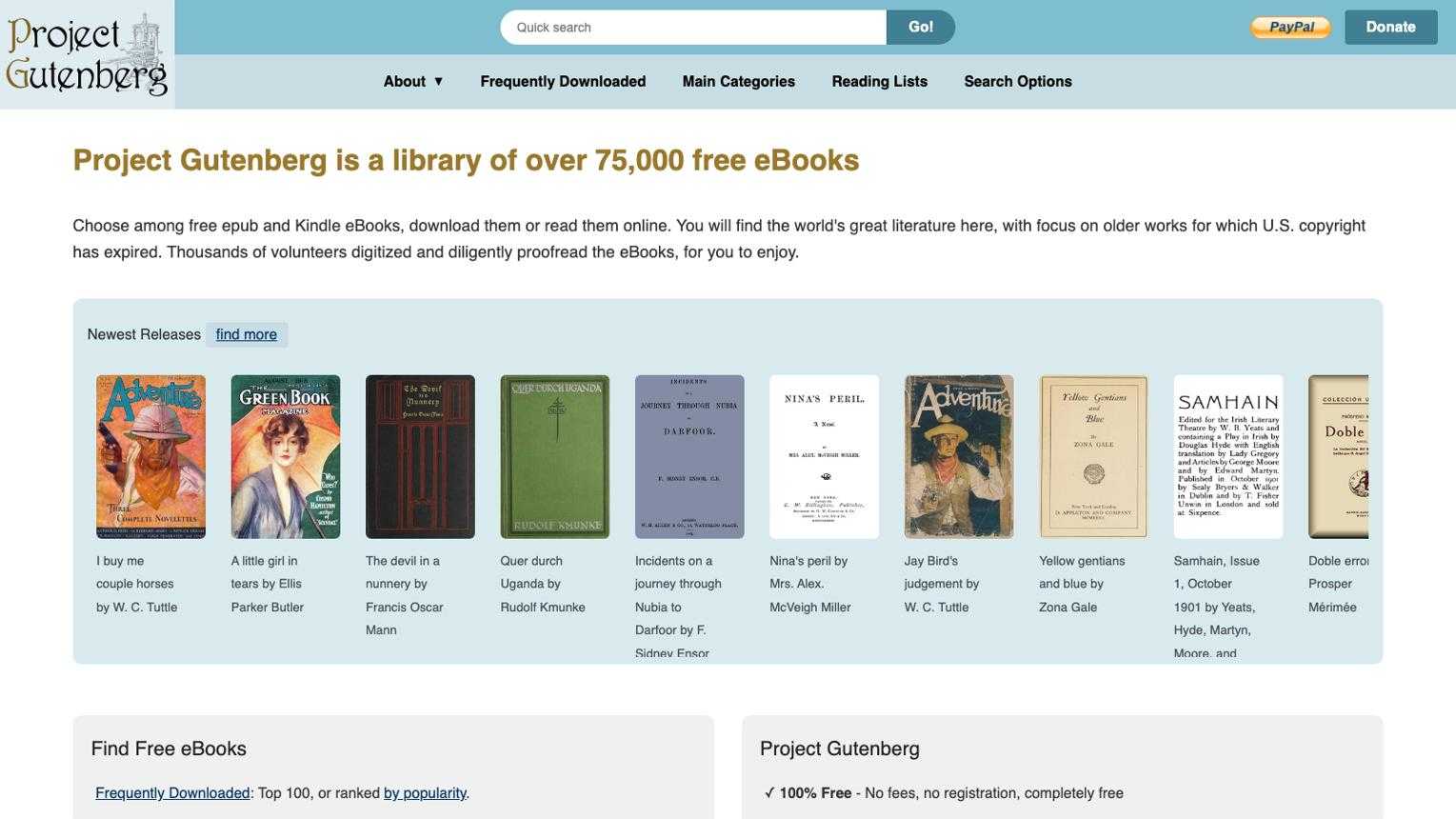
Project Gutenberg is one of the best places to find free classic literature. Its collection contains tens of thousands of free ebooks, including works by well-known authors such as Jane Austen, Charles Dickens, and Mark Twain.
Most books are in the public domain in the United States, making them freely accessible without a subscription.
Best for: Classic novels, literature, history, and poetry.
Formats: EPUB, Kindle-compatible formats, HTML, and TXT.
Sign-up: Not required.
Pros: Large classic collection, free downloads, multiple formats.
Cons: Limited selection of recently published books.
2. Internet Archive: Millions of Books and Borrowable Titles
Website: https://archive.org/
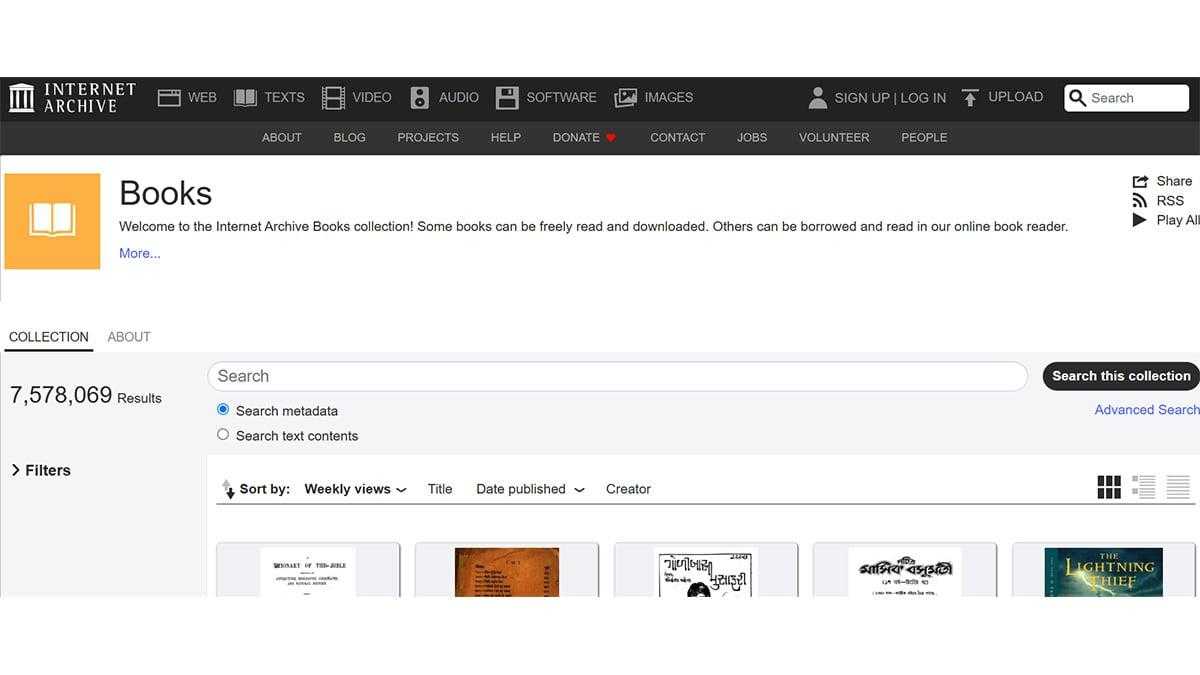
Internet Archive is a nonprofit digital library that preserves books, websites, videos, and other digital materials.
Its book collection includes public domain works, historical publications, and modern books available through controlled digital lending or other access arrangements. Some titles can be downloaded, while others can only be borrowed for a limited time.
Best for: Historical books, research, and older publications.
Formats: PDF, EPUB, and online reading, depending on the title.
Sign-up: Required for borrowing some books.
Pros: Extensive collection, useful archival materials, borrowing options.
Cons: Availability and download permissions vary by book.
3. Open Library: Borrow or Download from a Huge Catalog
Website: https://openlibrary.org/
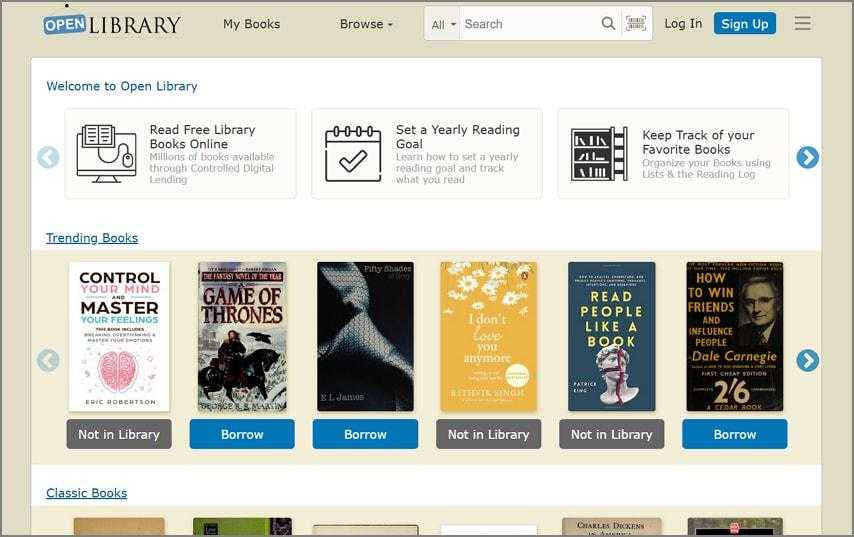
Open Library aims to create a web page for every book ever published. It provides a searchable catalog and access to digital books through its lending program.
Some books are available for direct access, while others require borrowing and may have limited lending periods. It is particularly useful when looking for titles that are difficult to find elsewhere.
Best for: Discovering books and borrowing digital editions.
Formats: EPUB, PDF, and browser-based reading, depending on availability.
Sign-up: Required for borrowing.
Pros: Large searchable catalog, borrowing options, broad subject coverage.
Cons: Not every listed book is freely downloadable.
4. Standard Ebooks: Polished, Well-Formatted Public Domain Editions
Website: https://standardebooks.org/
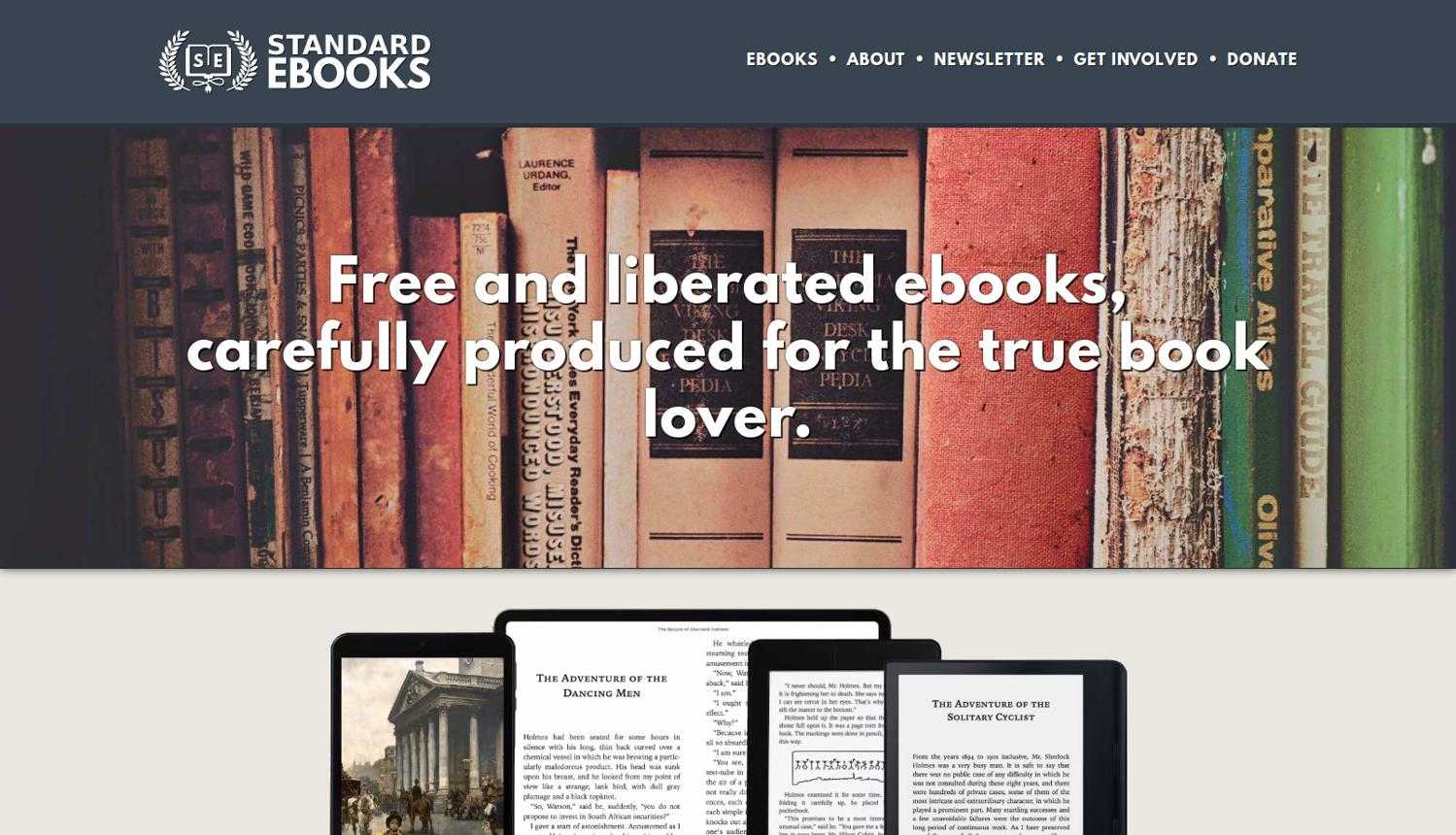
Standard Ebooks focuses on producing carefully formatted editions of public domain books.
Unlike some basic digital editions, its ebooks receive attention to typography, proofreading, and consistent formatting. This makes it a great option for readers who want a comfortable reading experience.
Best for: High-quality classic ebooks.
Formats: EPUB, AZW3, and Kepub.
Sign-up: Not required.
Pros: Clean formatting, carefully edited editions, free downloads.
Cons: Smaller collection focused mainly on public domain literature.
5. Google Books: Free Full-View Books and Previews
Website: https://books.google.com/
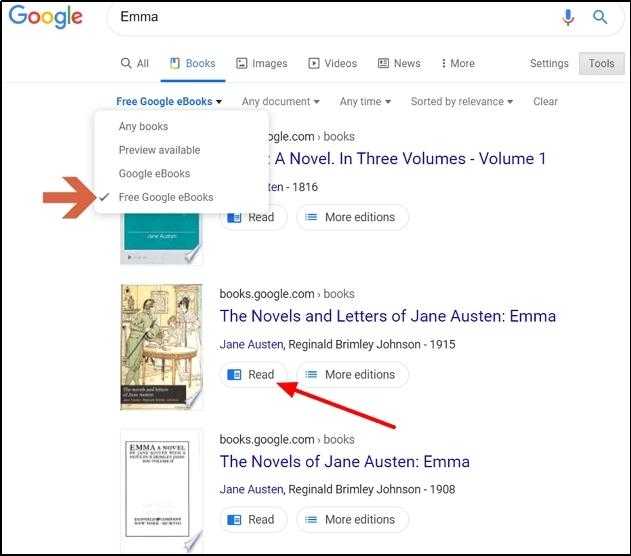
Google Books helps readers discover books from publishers, libraries, and other sources.
You can search by title, author, or topic. Some books are available in full view and can be read for free, while others provide only previews or purchase options.
Best for: Finding books and reading available full-text editions.
Formats: Browser-based reading; PDF or EPUB downloads for some full-view books.
Sign-up: Not generally required for searching and reading available previews.
Pros: Powerful search, broad catalog, useful previews.
Cons: Many titles are only partially available.
6. Feedbooks: Public Domain and Original Works
Website: https://www.feedbooks.com/
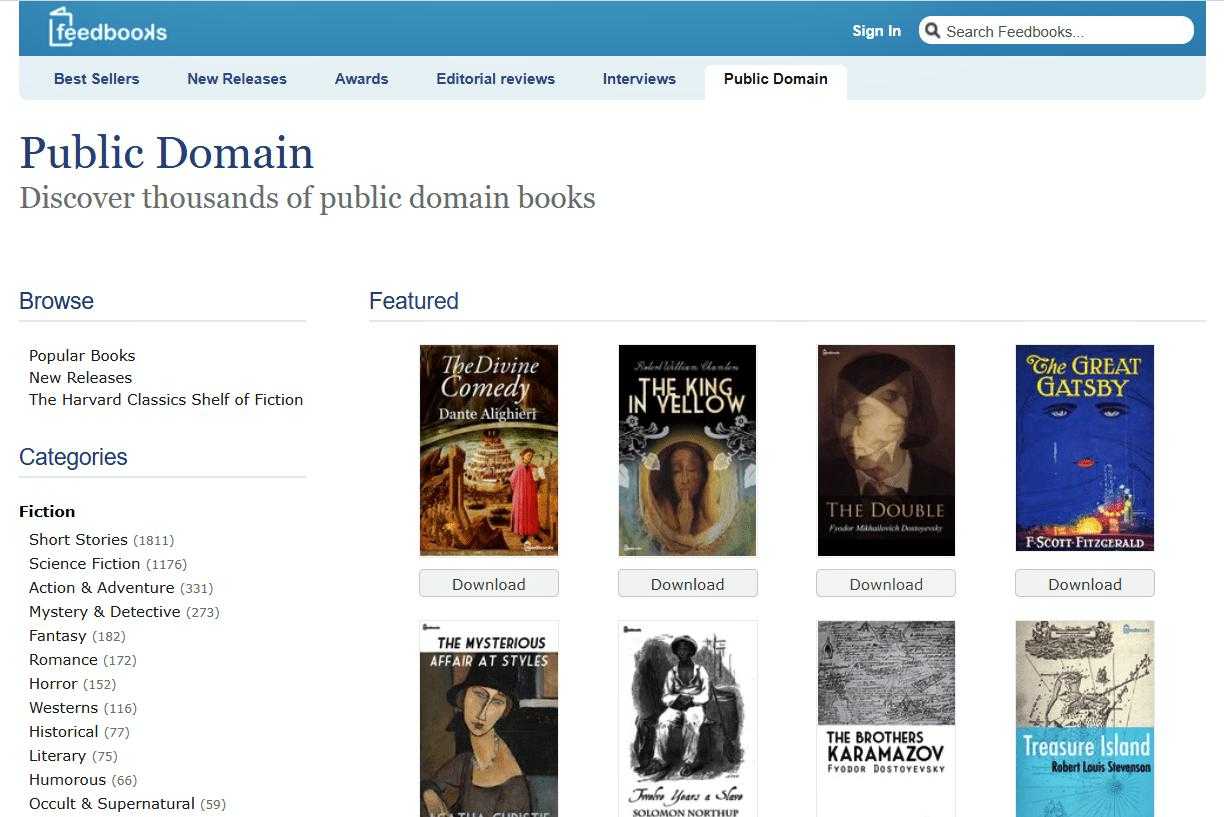
Feedbooks has offered public domain books and original digital publications.
Its historical public domain catalog makes it worth considering when searching for classic literature. However, its current catalog and download availability should be checked before relying on it as a primary source.
Best for: Discovering classic and independent ebooks.
Formats: Vary by title and current offering.
Sign-up: Depends on the available service.
Pros: Useful book discovery and classic literature.
Cons: Current availability and format choices may be limited.
7. ManyBooks: Easy Browsing by Genre and Rating
Website: https://manybooks.net/
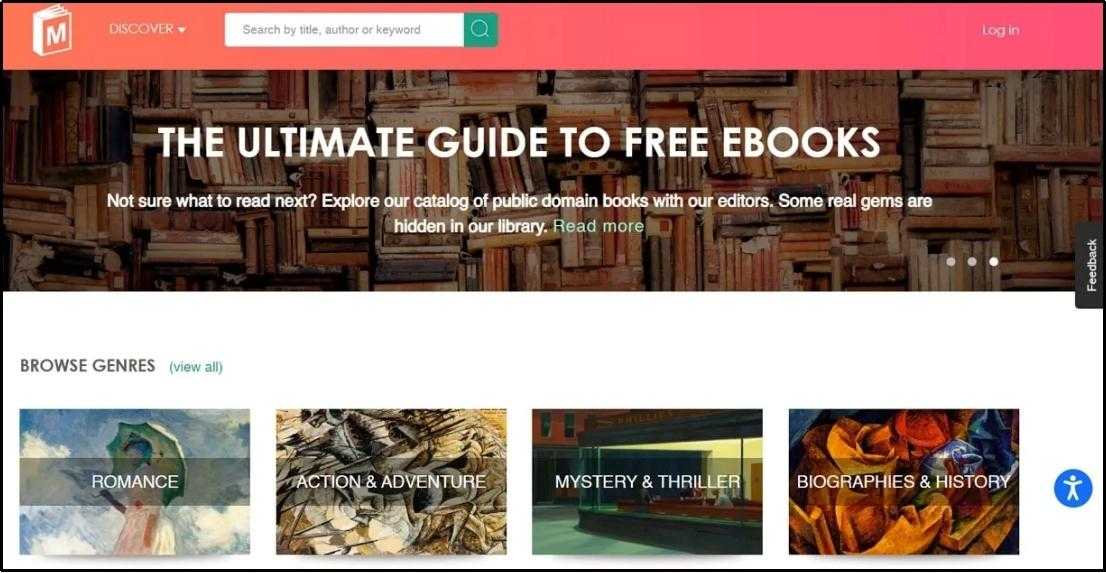
ManyBooks offers a collection of free and discounted ebooks across different genres.
You can browse categories such as romance, mystery, science fiction, and fantasy. Book descriptions, ratings, and recommendations make it easier to discover something interesting.
Best for: Fiction lovers and genre-based book discovery.
Formats: EPUB, PDF, and other formats depending on the title.
Sign-up: Depends on the book and download option.
Pros: Easy browsing, genre categories, recommendations.
Cons: Not every title is free, and some downloads may require registration.
8. Free-Ebooks.net: Free Titles Across Many Categories
Website: https://www.free-ebooks.net/
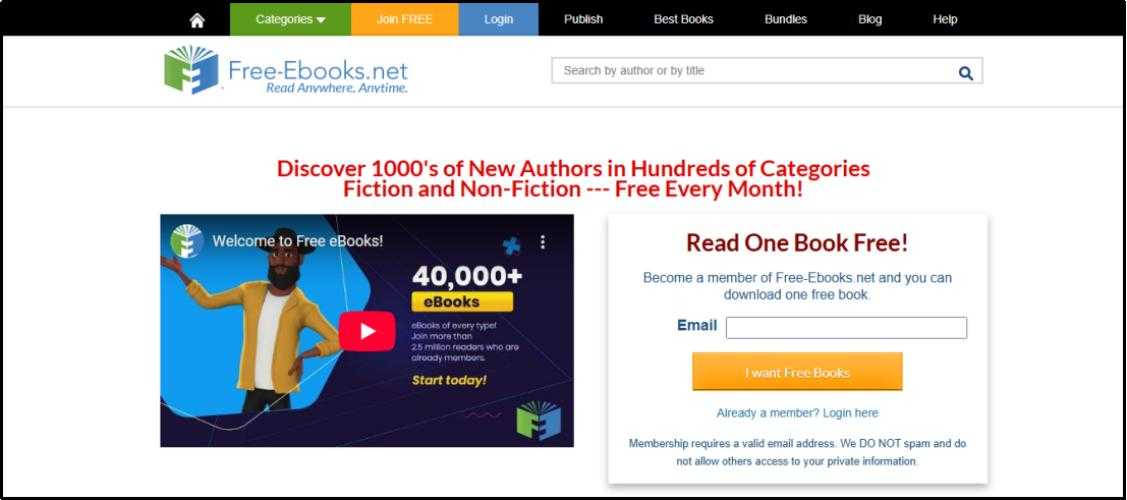
Free-Ebooks.net provides ebooks across categories such as fiction, business, education, technology, and lifestyle.
It includes works from independent authors and other contributors. Free access may come with account or download restrictions, so check the current terms before downloading.
Best for: Exploring independent books and different subjects.
Formats: PDF, EPUB, and other formats depending on the title.
Sign-up: Often required.
Pros: Wide range of categories, independent authors, searchable catalog.
Cons: Free membership may have download limits.
9. Wikibooks: Free Textbooks and How-to Guides
Website: https://www.wikibooks.org/
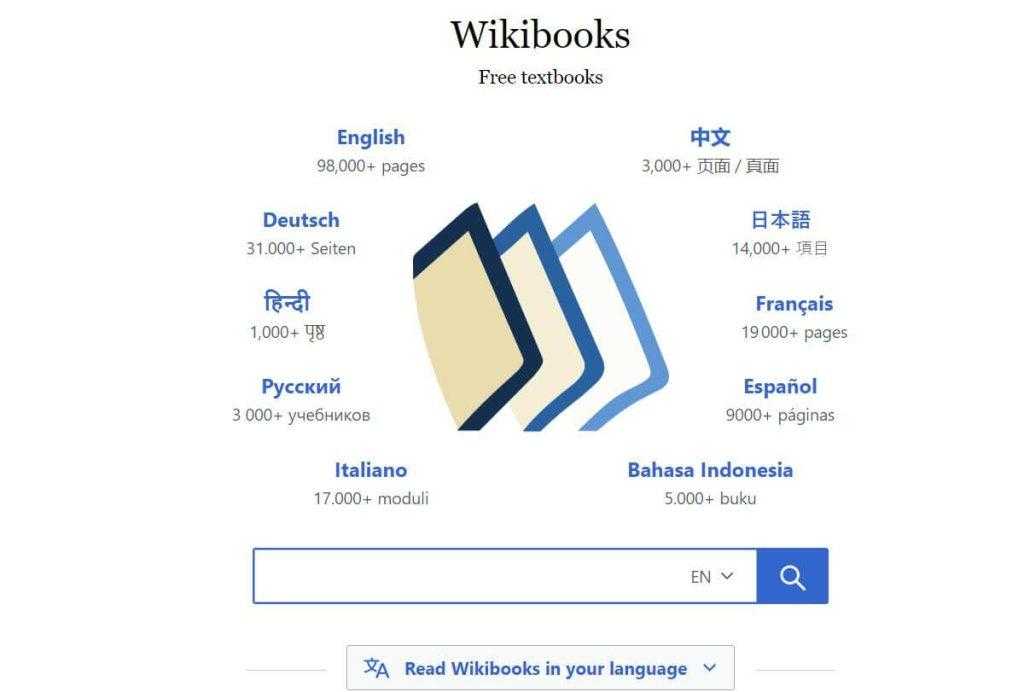
Wikibooks is a Wikimedia project that provides free textbooks, manuals, and educational guides written collaboratively by volunteers.
Its content covers subjects such as science, programming, mathematics, languages, and general education.
Best for: Students, self-learners, and educational materials.
Formats: Online reading, PDF, and other export options for supported books.
Sign-up: Not required for reading or downloading available materials.
Pros: Free educational resources, broad subject coverage, open licensing.
Cons: Content quality and completeness vary between books.
10. DOAB: Academic and Scholarly Books
Website: https://www.doabooks.org/
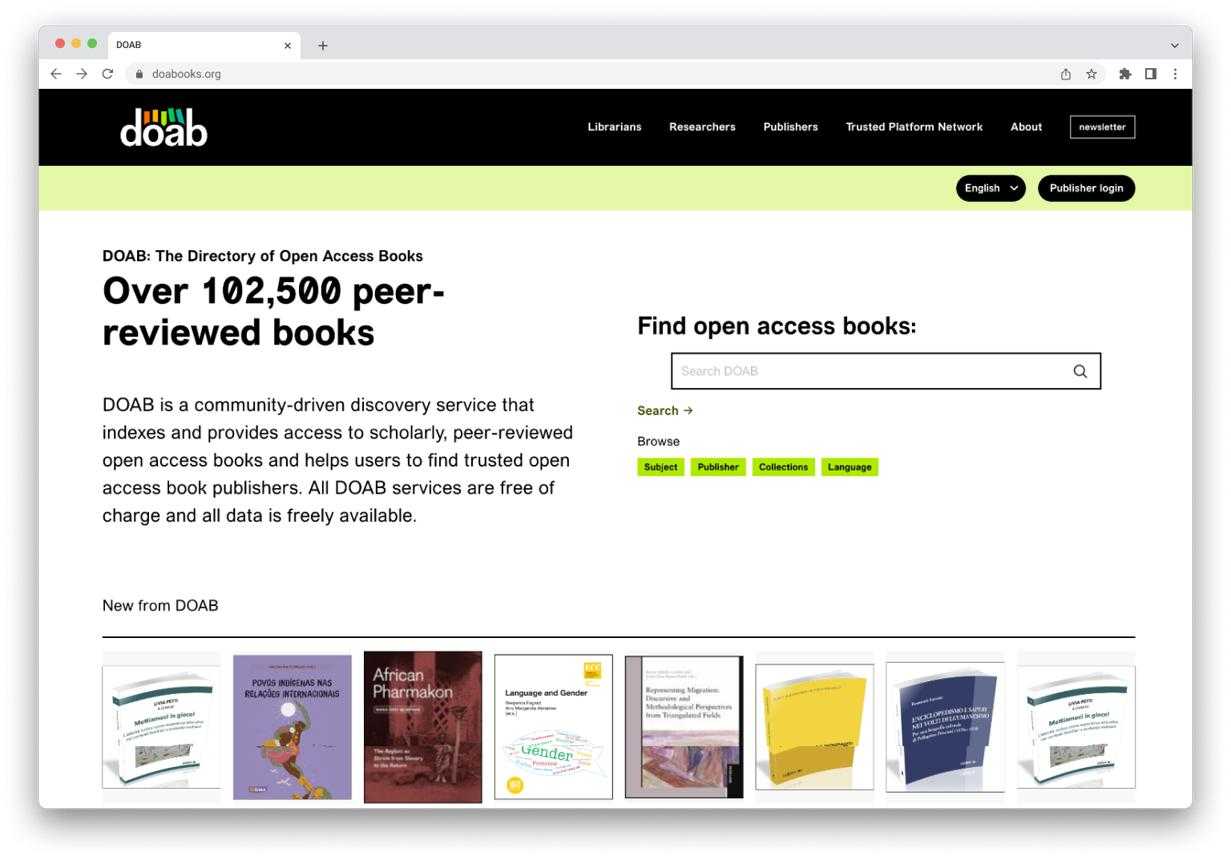
Directory of Open Access Books is a useful resource for finding scholarly books that are freely available under open-access licenses.
It indexes academic publications from publishers and helps researchers, students, and professionals discover books across different disciplines.
Best for: Academic research and scholarly reading.
Formats: Primarily PDF and EPUB, depending on the publisher.
Sign-up: Not required for browsing.
Pros: Academic content, open-access publications, subject filtering.
Cons: Focuses on scholarly books rather than general entertainment.
11. OpenStax: Free College Textbooks
Website: https://openstax.org/
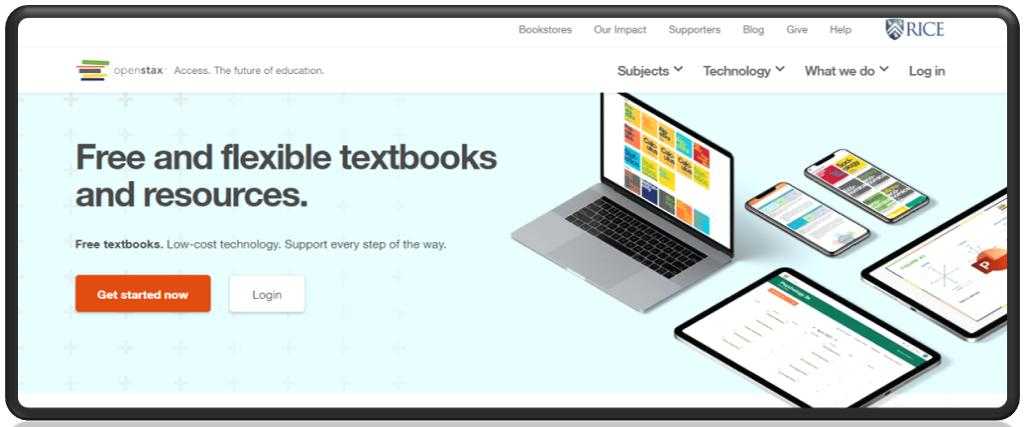
OpenStax provides free, peer-reviewed textbooks for college and high school courses.
Its books cover subjects such as mathematics, biology, physics, economics, and business. Many titles are available online and as downloadable files.
Best for: Students and educators.
Formats: PDF and web-based reading; additional formats may vary.
Sign-up: Not required for accessing most textbooks.
Pros: High-quality educational content, free access, structured textbooks.
Cons: Limited to supported academic subjects.
12. Smashwords: Free Indie Ebooks and Samples
Website: https://www.smashwords.com/
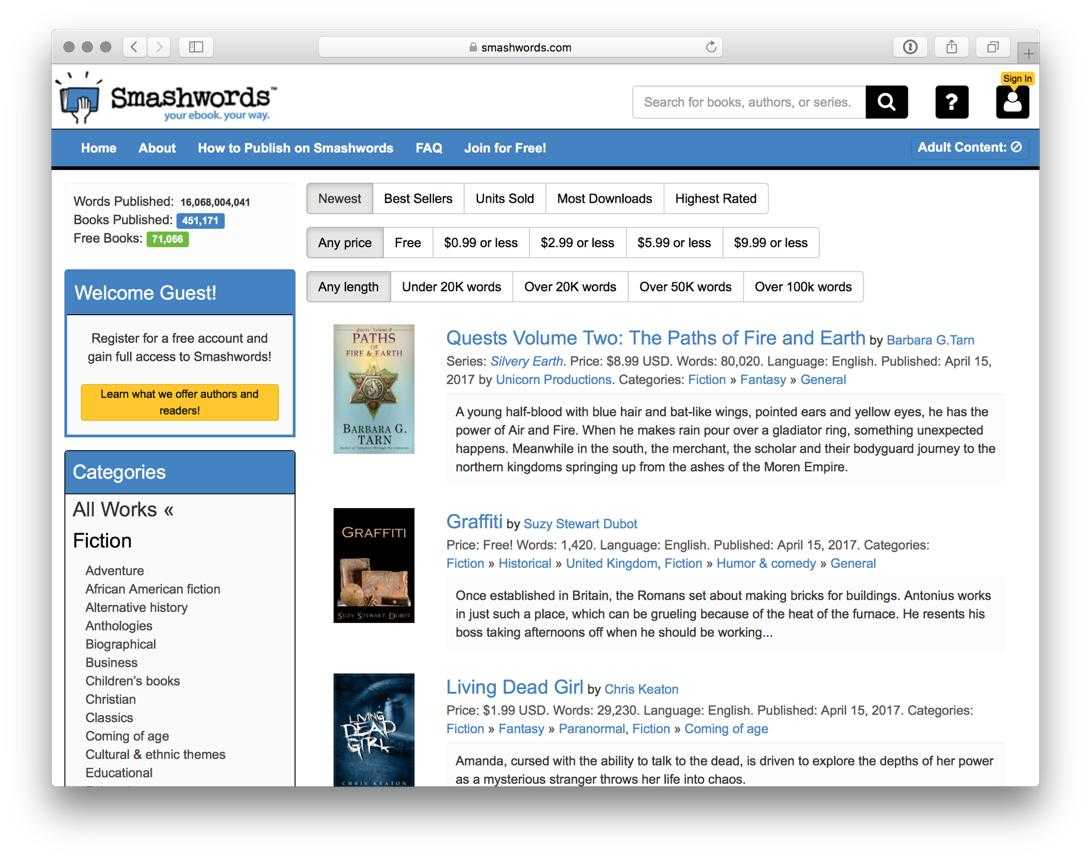
Smashwords is a platform for independent authors and publishers.
It offers ebooks in genres such as romance, science fiction, fantasy, and nonfiction. Some authors provide free books or promotional downloads, making it a useful place to discover independent writing.
Best for: Independent fiction and emerging authors.
Formats: EPUB and other formats depending on the title.
Sign-up: Depends on the download and purchase process.
Pros: Independent authors, varied genres, promotional titles.
Cons: Not all books are free, and quality varies.
13. BookBub: Daily Free and Discounted Ebook Deals
Website: https://www.bookbub.com/
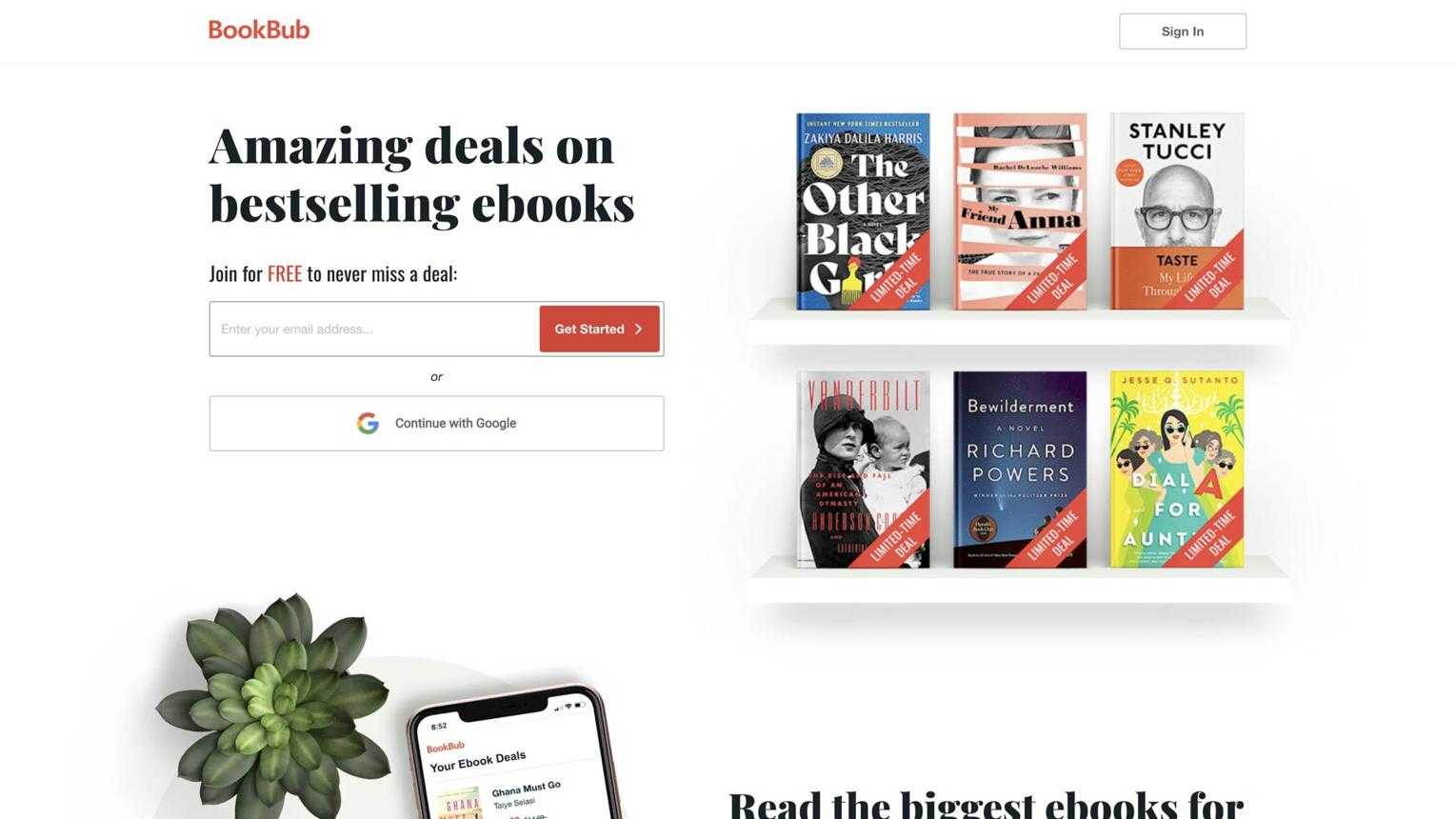
BookBub helps readers discover free and discounted ebooks from major retailers.
You can choose your favorite genres and receive recommendations and deal notifications. Some offers are temporary, so a book that is free today may return to its regular price later.
Best for: Finding limited-time ebook deals.
Formats: Depends on the retailer and book.
Sign-up: Required for personalized deal emails.
Pros: Personalized recommendations, deals across genres, free promotions.
Cons: Availability changes frequently, and downloads may require a retailer account.
14. Amazon Kindle Free Books: Free Titles in the Kindle Store
Website: https://www.amazon.com/kindle-dbs/storefront
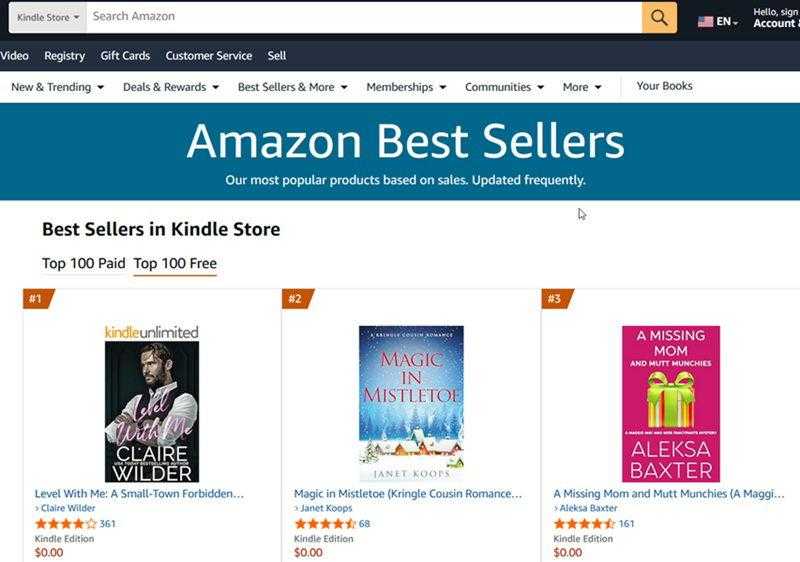
Amazon Kindle Store has a selection of free ebooks, including public domain classics and promotional titles from independent authors.
You can browse free Kindle books by category or search for specific titles. Remember that free availability varies by country and may change over time.
Best for: Kindle users and readers looking for free fiction.
Formats: Kindle-compatible formats delivered through Amazon.
Sign-up: Amazon account required.
Pros: Large selection, Kindle integration, frequent promotions.
Cons: Regional availability varies, and many titles are paid.
15. PDF Books World: Free Public Domain Books in PDF
Website: https://www.pdfbooksworld.com/
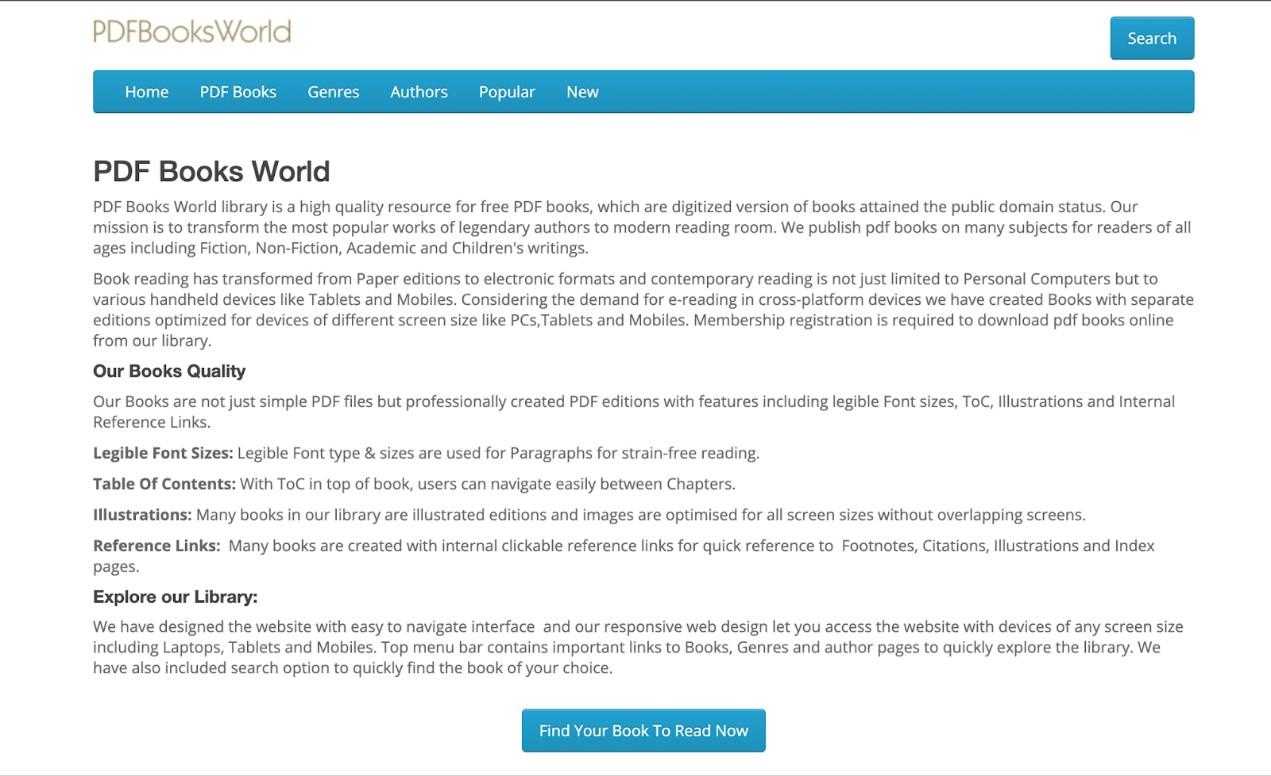
PDF Books World focuses on classic literature and other public domain works in PDF format.
Its books are presented in a page-based layout, which can be useful if you prefer reading on a larger screen or printing individual pages.
Best for: Readers who prefer PDF books and classic literature.
Formats: PDF.
Sign-up: Check individual download requirements.
Pros: PDF-focused collection, classic titles, convenient page layout.
Cons: Limited format flexibility and mainly older works.
Other Ways to Get Free Ebooks
Free ebook websites aren't your only option. You can also find free books through public libraries, author promotions, educational institutions, and online reading communities.
Your Local Public Library
Many public libraries offer digital lending services that let members borrow ebooks without visiting a physical branch.
Depending on your location, you may be able to access services such as Libby or other library ebook platforms. You usually need a valid library card, and borrowed books may have a limited lending period.
This is a good option if you want to read newer books that aren't available in public domain collections.
Free Ebook Promotions from Authors and Publishers
Authors and publishers sometimes offer free ebooks to introduce readers to a new series, promote a new release, or attract subscribers.
You can find these promotions through:
Author and publisher websites.
Ebook retailer promotions.
Book launch campaigns.
Special holiday and seasonal offers.
Check the promotional terms because some free offers are available only for a limited time.
Newsletters and Reading Communities
Book newsletters and online reading communities can help you discover free ebooks you might otherwise miss.
Websites such as BookBub provide personalized recommendations and notifications about free and discounted books. You can also follow authors, publishers, and book communities on social media to find occasional giveaways.
University and Open-Access Repositories
If you're interested in academic books, research, or educational materials, university repositories and open-access platforms are worth exploring.
Many universities publish research materials, course books, and scholarly publications that are freely accessible. You can also search institutional repositories for books and educational resources released under open licenses.
Quick Comparison: Which Site Is Right for You?
With so many ebook websites available, choosing one can be difficult. The following table summarizes the main differences between the 15 websites.
| Website | Main formats | Sign-up | Collection focus | Best for |
|---|---|---|---|---|
| Project Gutenberg | EPUB, Kindle, TXT | No | Large classic collection | Classic literature |
| Internet Archive | PDF, EPUB | Sometimes | Extensive digital archive | Historical books |
| Open Library | PDF, EPUB | Yes for borrowing | Large book catalog | Borrowing books |
| Standard Ebooks | EPUB, AZW3, Kepub | No | Curated classics | Quality formatting |
| Google Books | PDF, EPUB where available | Usually no | Broad book catalog | Book discovery |
| Feedbooks | Varies | Varies | Public domain and other works | Classic books |
| ManyBooks | EPUB, PDF, others | Sometimes | Fiction and nonfiction | Genre browsing |
| Free-Ebooks.net | PDF, EPUB, others | Often | Independent books | Various categories |
| Wikibooks | Online, PDF | No | Textbooks and guides | Learning |
| DOAB | PDF, EPUB | No for browsing | Academic books | Research |
| OpenStax | PDF, web | No | College textbooks | Students |
| Smashwords | EPUB, others | Varies | Independent publications | Indie authors |
| BookBub | Retailer-dependent | Yes for personalized deals | Free and discounted books | Ebook deals |
| Amazon Kindle Store | Kindle formats | Yes | Commercial ebook catalog | Kindle users |
| PDF Books World | Check requirements | Public domain classics | PDF reading |
Note: Formats and access requirements depend on individual titles and may change. Some websites offer direct downloads, while others provide borrowing, previews, or links to external retailers. Library size is not directly comparable because these services use different catalog and lending models.
Best Picks by Need
If you don't want to browse all 15 websites, here are some good starting points:
For classic literature: Project Gutenberg and Standard Ebooks.
For academic textbooks: OpenStax and DOAB.
For borrowing modern books: Open Library and your local public library.
For free ebook promotions: BookBub, Smashwords, and Amazon Kindle Store.
For PDF books: PDF Books World and Internet Archive.
For downloading without registration: Project Gutenberg, Standard Ebooks, and Wikibooks.
Downloaded an Ebook in the Wrong Format? Here's How to Convert It
Finding a free ebook is only the first step. Sometimes, the downloaded file isn't compatible with your preferred reading device or doesn't offer the reading experience you want.
For example, you may download an EPUB book but need a PDF version for printing. Or you may have a PDF ebook that you want to convert into EPUB for more comfortable reading on a small screen.
Why Ebook Format Matters
Choosing the right format can make reading and managing ebooks easier.
Device compatibility: Some reading devices and applications support certain formats better than others.
Reading comfort: EPUB allows text to reflow, making it easier to adjust font size and screen layout.
Printing: PDF generally preserves page dimensions and formatting, making it more suitable for printing.
Editing: DOCX is more convenient when you need to edit or reuse text.
Storage: TXT files are lightweight and useful when you only need plain text.
If your ebook is in the wrong format, converting it can make it more useful.
Convert Ebooks Offline with Linraw doBook on Windows and Mac
If you regularly work with ebooks and PDF documents, Linraw doBook provides a collection of desktop ebook and PDF tools for Windows and macOS.
Instead of uploading your books to an online conversion website, you can use desktop tools to process files locally. This is useful when you want to keep your documents on your computer or convert multiple files without relying on an internet connection.
Linraw doBook supports ebook conversion between formats such as:
EPUB to PDF
PDF to EPUB
Ebook to TXT
Ebook to DOCX
Other supported ebook and document conversions
It also includes PDF tools for tasks such as merging, splitting, compressing, and converting PDF files.
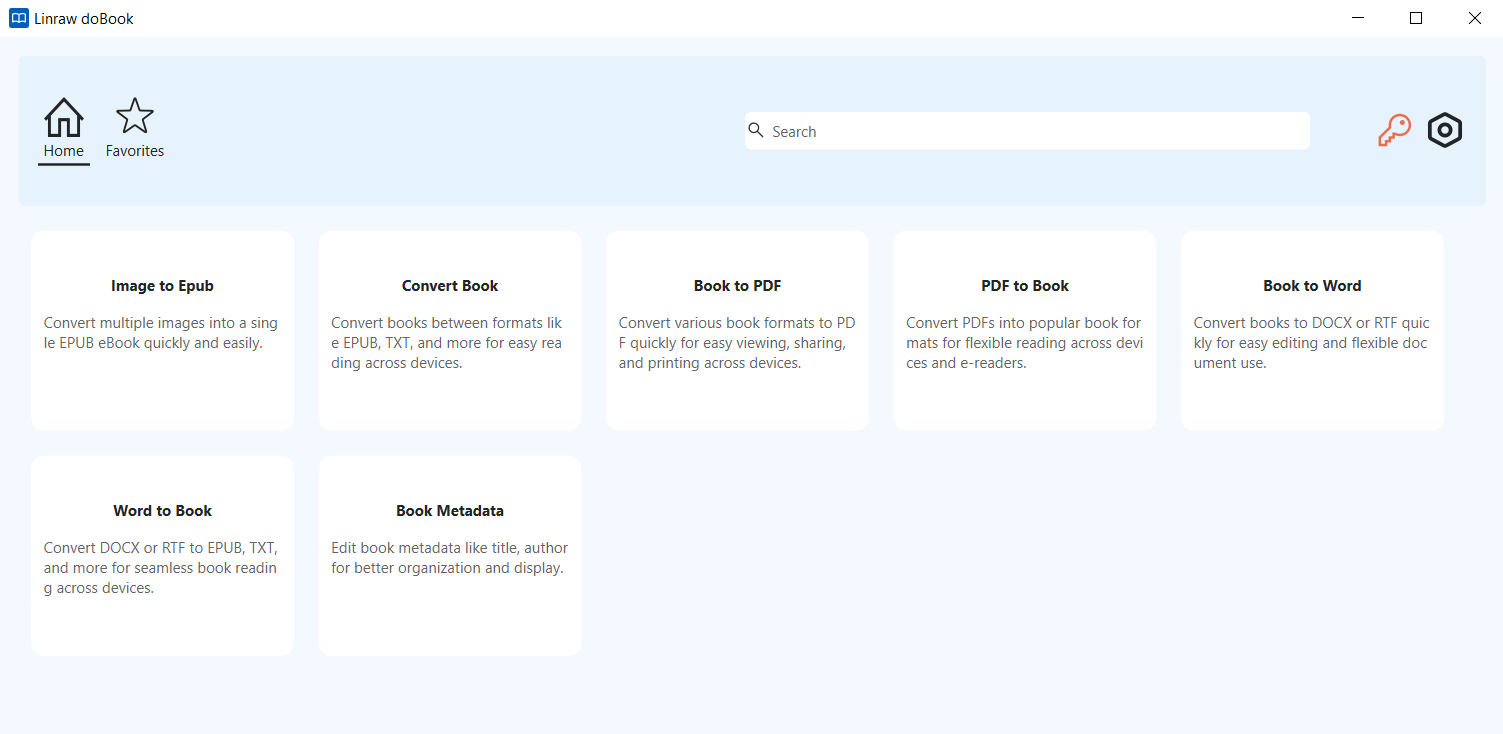
Step-by-Step: Converting an Ebook with Linraw doBook
The general conversion process is straightforward:
Open Linraw doBook: Install and launch Linraw doBook on your Windows PC or Mac.
Choose "Convert Book" tool.
Add your ebook files: Import one or more supported ebook files.
Select the output format: Choose PDF, EPUB, TXT, DOCX, or another supported format.
Start conversion: Run the "Start" and wait for the process to finish.
Check the converted files: Open the output files to make sure the text, images, and layout look correct.
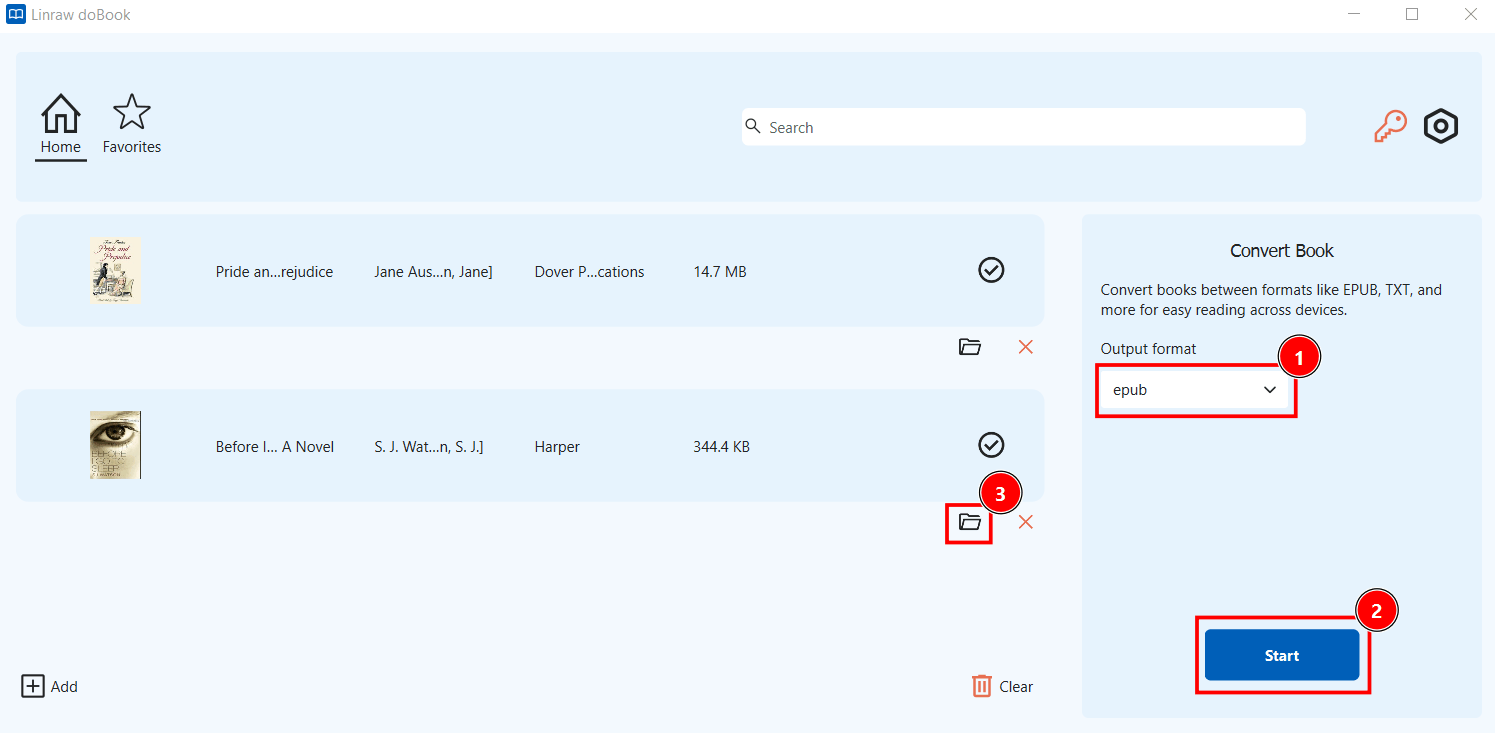
For books with complex layouts, tables, or illustrations, always review the converted result. Not every format can preserve the original layout perfectly.
Other Ebook Conversion Options: Calibre and Online Converters
Linraw doBook isn't the only way to convert ebooks. Here are two other options worth considering.
Calibre
Calibre is a popular free desktop application for managing and converting ebooks.
Supports many ebook formats.
Includes ebook library management.
Offers metadata editing and format conversion.
Works offline after installation.
Calibre is a good choice if you want a dedicated ebook library manager alongside conversion features.
Online Ebook Converters
Online converters let you upload a book, choose an output format, and download the converted file.
No desktop installation required.
Convenient for occasional conversions.
May impose file size or daily conversion limits.
Require uploading files to an external service.
For occasional, non-sensitive conversions, online tools can be convenient. For frequent conversions or private documents, an offline desktop application is often a better choice.
Tips for Downloading and Managing Free Ebooks Safely
Once you start collecting free ebooks, a few simple habits can help protect your files and keep your library organized.
Check the License Before Sharing or Reusing a Book
A free download doesn't automatically mean a book can be redistributed, modified, or used commercially.
Check whether the book is public domain, released under a Creative Commons license, or offered under specific promotional terms.
Scan Files and Avoid Unnecessary Permissions
Download ebooks from reputable sources and use updated security software to scan suspicious files.
Standard ebook formats include EPUB, PDF, and TXT. Be cautious if a website asks you to download an executable installer or browser extension just to access a book.
Keep Your Ebook Library Organized
If you download books frequently, organize them into folders by genre, author, or subject.
For example:
My Ebooks/
├── Fiction/
├── Science/
├── Business/
├── Education/
└── Reference/
Use clear filenames and keep useful information such as the author, title, and publication date.
Back Up Your Ebooks
Back up your ebook collection to an external hard drive or a trusted cloud storage service. This helps prevent losing your books if your computer fails or files are accidentally deleted.
Remember to respect copyright and license restrictions when making or sharing copies.
Frequently Asked Questions
Is It Legal to Download Free Ebooks?
Yes, provided the ebooks are legally offered for free. Public domain books, authorized free promotions, and open-access publications are common examples. Always check the copyright status and license, especially if you plan to redistribute a book.
What's the Best Format for Free Ebooks, PDF or EPUB?
It depends on how you read.
EPUB is generally better for novels because its text adjusts to different screen sizes. PDF is more suitable for textbooks, manuals, and books with fixed layouts.
Can I Read Free Ebooks on a Kindle?
Yes. Kindle devices and apps support compatible ebook formats. You can also use Amazon's Send to Kindle service to send supported personal documents to your Kindle library. Check Amazon's current format requirements before transferring a file.
How Do I Convert an EPUB to PDF?
You can use a desktop ebook converter such as Linraw doBook or Calibre. Import the EPUB file, select PDF as the output format, and start the conversion. You can also use an online converter if you don't mind uploading the file.
Are Free Ebook Sites Safe?
Established websites such as Project Gutenberg, OpenStax, and Standard Ebooks are generally good places to start. However, always check download links, avoid suspicious installers, and scan files when necessary.
Where Can I Download Free Textbooks?
OpenStax is an excellent starting point for free college textbooks. DOAB and Wikibooks are also useful for finding academic books, learning materials, and educational guides.
Can I Download Free Ebooks Without Signing Up?
Yes. Project Gutenberg, Standard Ebooks, and Wikibooks allow visitors to access many resources without creating an account. Other platforms may require registration for borrowing or downloading certain titles.
What Does "Public Domain" Mean?
Public domain refers to works that are not protected by copyright restrictions. This may happen because copyright has expired, was not applicable, or the rights holder intentionally dedicated the work to the public domain. Rules vary by country.
Can I Print or Edit a Downloaded Ebook?
It depends on the file format, copyright status, and license.
PDF files are generally easier to print, while DOCX files are convenient for editing. You can convert some ebooks into these formats, but conversion doesn't give you additional copyright permissions. DRM-protected books may also have technical restrictions.
Conclusion
There are plenty of ways to find free ebooks online, whether you're interested in classic novels, academic textbooks, independent publications, or temporary ebook promotions.
For classic literature, Project Gutenberg and Standard Ebooks are excellent starting points. Students can explore OpenStax and DOAB, while readers looking for modern titles may prefer public library lending services, BookBub, and authorized retailer promotions.
Once you've downloaded your books, make sure they're in a format that works for your reading device. EPUB is convenient for everyday reading, PDF preserves page layouts, and TXT or DOCX can be useful for other purposes.
If you frequently convert ebooks and PDF documents, Linraw doBook offers a convenient offline solution for Windows and Mac, with tools for converting between formats such as EPUB, PDF, TXT, and DOCX.
Find books legally, choose the right format, and enjoy reading wherever you are.
However, if your workflow involves multiple types—such as images, audio, video, PDFs, or eBooks—then Linraw doUltra is a more powerful all-in-one option.
Related Chapters
