Video Splitter Tool - Split Videos into Parts Fast & Lossless
1. Introduction: Why Use a Dedicated Video Splitter?
Large video files are everywhere—from Zoom recordings and gameplay footage to family videos captured in 4K. While these files preserve quality, they also come with a major downside: they are difficult to manage, slow to share, and consume significant storage space.
The Problem
Uploading or sending a large video file can take minutes—or even hours. Many platforms like email or messaging apps impose strict file size limits, forcing users to compress videos or abandon sharing altogether. Traditional video editors can help, but they are often overly complex for simple tasks like splitting a file.
The Solution
A dedicated video splitter tool solves this problem efficiently. Instead of editing entire videos, it allows you to break long recordings into smaller, manageable segments quickly and easily. Whether you're preparing clips for social media, organizing content, or saving storage space, a simple and focused tool is often the best solution.
2. What Does "Lossless Splitting" Actually Mean?
One of the most important concepts when splitting videos is lossless processing.
No Re-encoding Explained
A lossless video splitter works by cutting the video at the stream level instead of reprocessing the entire file. This means:
No re-encoding
No quality degradation
No changes to resolution or bitrate
The output video remains 100% identical to the original in terms of quality.
Instant Export
Traditional editors require rendering, which can take a long time—especially for large or high-resolution files. Lossless tools skip this step entirely.
As a result:
Splitting is up to 10x faster
Export happens almost instantly
System resources are used more efficiently
Keyword Focus
This is why terms like lossless video cutter and split video without re-encoding are so important—they directly reflect what users want: speed and quality.
3. Key Features of the Linraw doVideo Video Splitter
The Linraw doVideo Video Splitter is designed to provide a balance of simplicity, performance, and precision.
Wide Format Support
The tool supports all major formats, including:
MP4
MOV
AVI
MKV
This ensures compatibility across devices and platforms on both Windows and macOS.
Frame-Accurate Selection
Precision matters when splitting videos. Linraw doVideo provides a timeline interface that allows you to:
Navigate frame by frame
Set exact start and end points
Avoid cutting important moments
Lightweight & Offline
Unlike online tools, Linraw doVideo runs entirely on your local machine:
No internet connection required
No file size limits
No privacy concerns
Even large 4K videos can be processed smoothly without needing high-end hardware.
4. How to Split Video into Parts (Step-by-Step Guide)
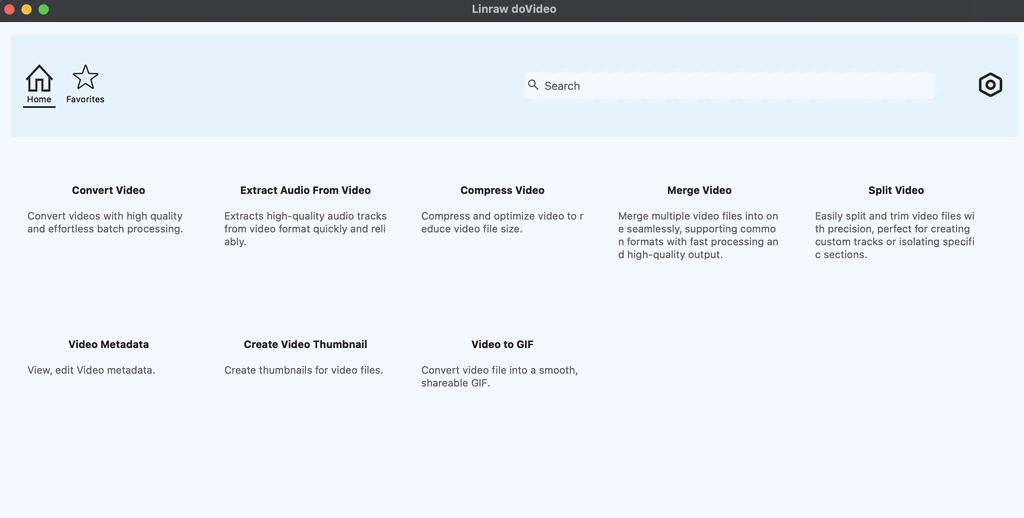
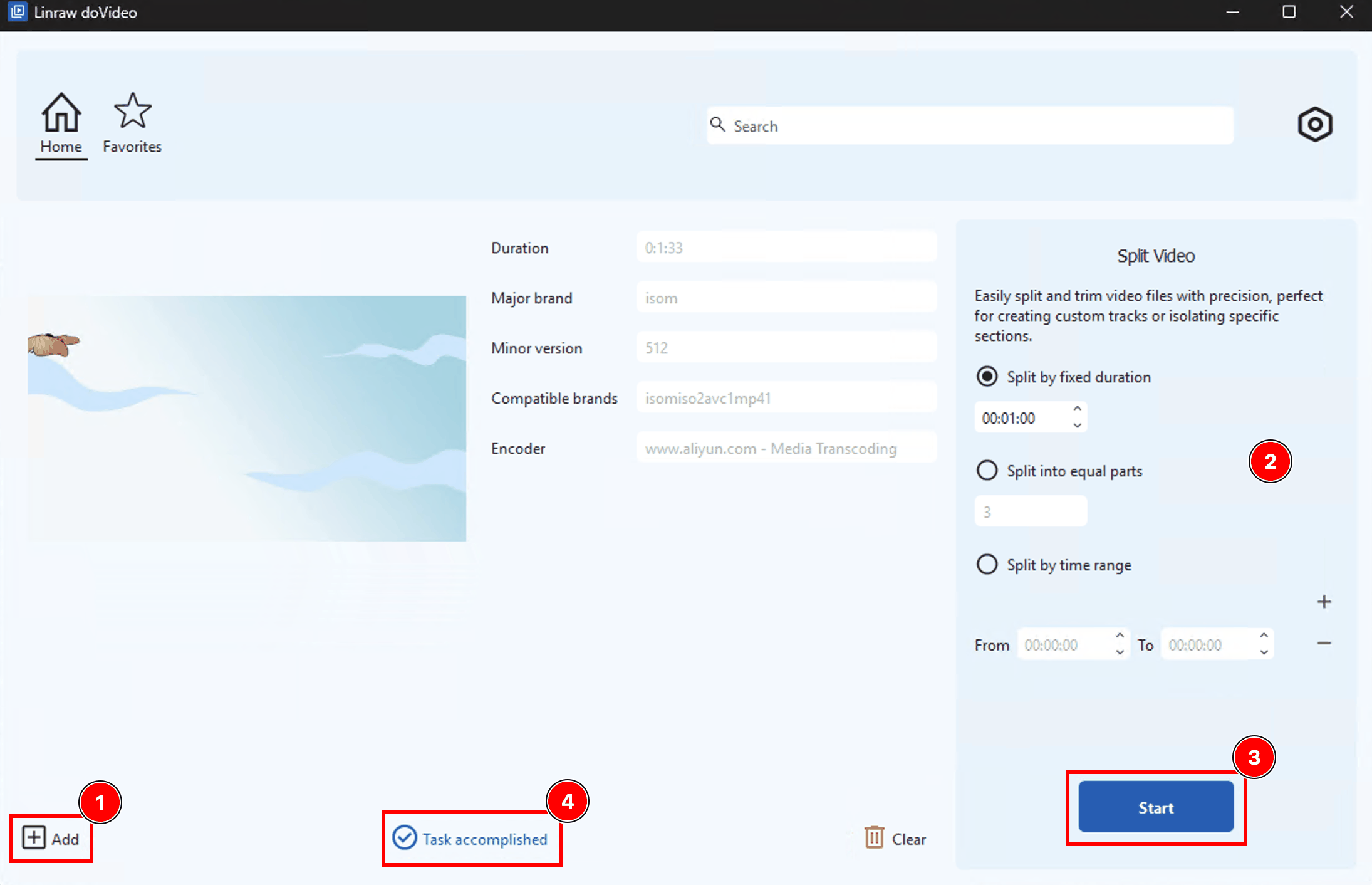
Splitting a video with Linraw doVideo is straightforward and requires only a few steps.
Step 1: Import Your File
Drag and drop your video into the Linraw doVideo interface.
Step 2: Define Your Segments
Use markers to select the portions of the video you want:
Set start and end points
Create multiple segments if needed
Step 3: Save & Export
Choose your output folder and click "Start". Since the process is lossless, your video segments will be generated almost instantly.
5. Linraw doVideo vs. Alternative Solutions
Choosing the right tool depends on your needs. Here’s how Linraw doVideo compares to other common options.
Linraw doVideo vs. Online Splitters
Online tools may seem convenient, but they come with limitations:
Slow upload and download times
File size restrictions
Potential privacy risks
Linraw doVideo eliminates these issues by processing everything locally, making it faster and more secure.
Linraw doVideo vs. Built-In Tools (QuickTime / Photos)
Built-in tools are basic and limited:
Fewer supported formats
Less precise controls
Minimal customization
A dedicated splitter like Linraw doVideo provides more flexibility and accuracy.
Linraw doVideo vs. Professional Editors (Premiere / Final Cut)
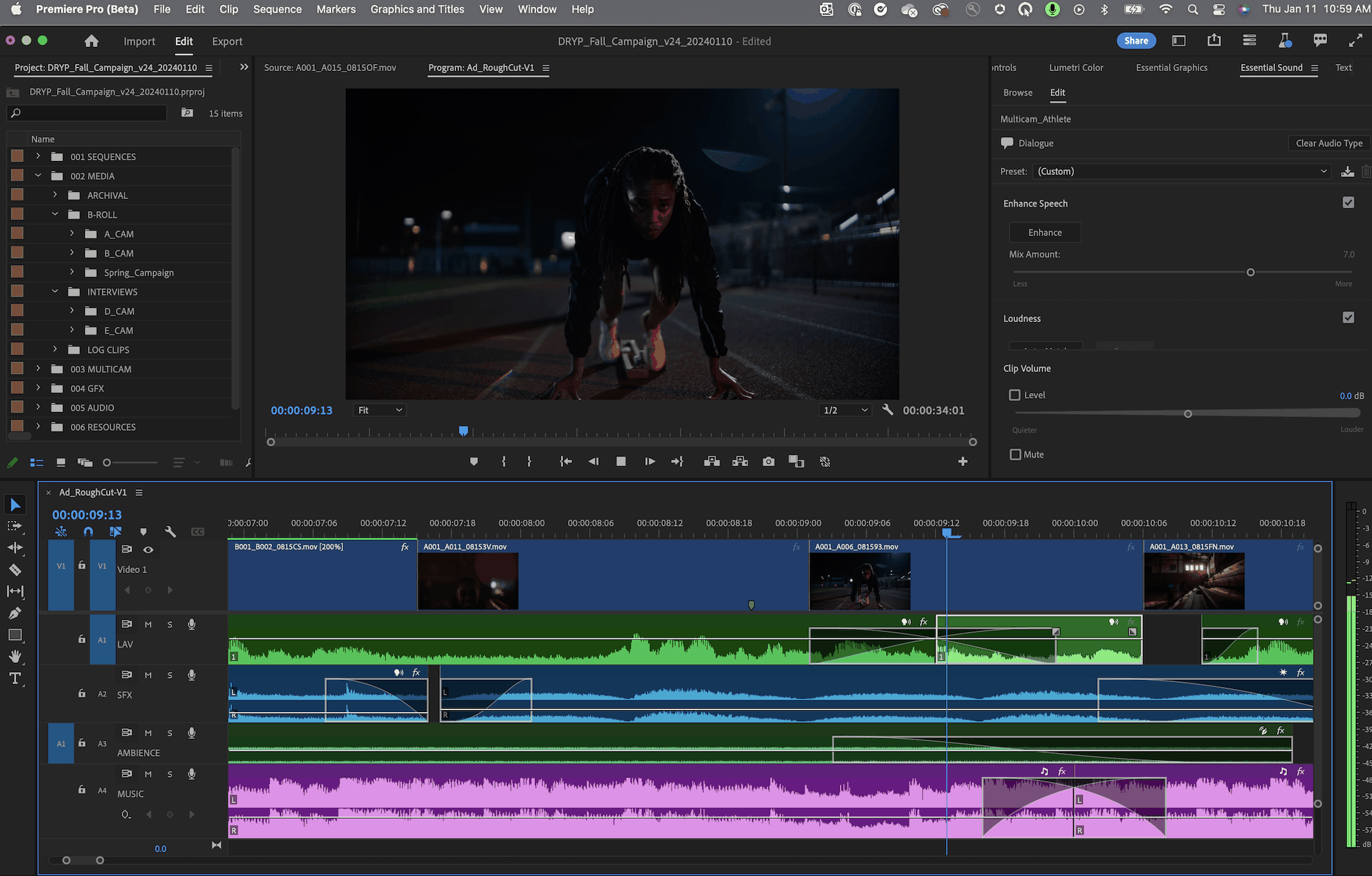
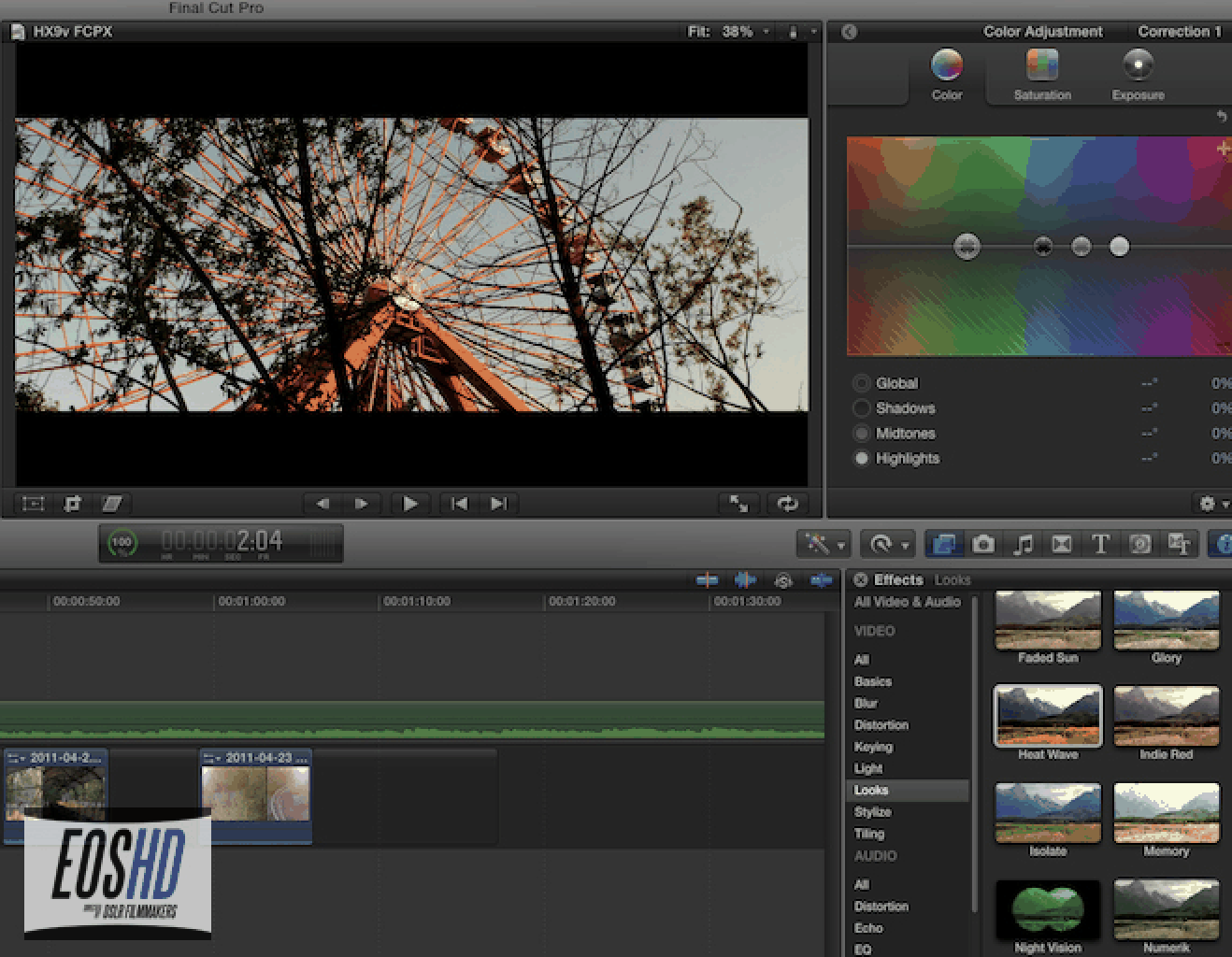
Professional editors are powerful but often overkill for simple tasks:
Complex interfaces
Longer learning curve
Higher cost
If your goal is simply to split videos, Linraw doVideo offers a faster and more user-friendly alternative.
6. Comparison Table: At a Glance
| Feature | Linraw doVideo Desktop | Web-Based Splitters | Pro Video Editors |
|---|---|---|---|
| Speed | Instant (Lossless) | Slow (Upload/Download) | Moderate (Requires Rendering) |
| Quality | No Change | Often Compressed | Depends on Settings |
| Ease of Use | High (3 Clicks) | High | Low (Complex UI) |
| Offline Support | Yes | No | Yes |
| Price | One-time / Affordable | Free/Subscription | High Subscription |
7. Top Use-Cases for Splitting Videos
A video splitter tool is useful in many real-world scenarios.
Social Media Ready
Platforms like Instagram, TikTok, and YouTube Shorts favor short-form content. Splitting long videos into clips makes them easier to share and more engaging.
Email & Messaging
Large files often exceed limits on Gmail or WhatsApp. By splitting videos into smaller parts, you can send them without compression.
Archiving
For long-form content such as webinars or lectures:
Split into chapters
Organize by topic
Improve accessibility and navigation
8. Frequently Asked Questions (FAQ)
Will splitting a video reduce its resolution?
No. With lossless splitting, the resolution and quality remain exactly the same as the original.
Can I split a video into multiple parts at once?
You can define multiple segments using markers and export them individually. This gives you full control over each clip.
Is my data safe?
Yes. Linraw doVideo runs entirely offline, so your files never leave your computer.
Does it support 4K and 8K video?
Yes. The tool is designed to handle high-resolution videos efficiently, including 4K and even 8K files.
9. Conclusion: The Fastest Way to Organize Your Video Library
Managing large video files doesn’t have to be complicated. A dedicated video splitter tool like Linraw doVideo allows you to quickly divide videos into smaller parts without sacrificing quality.
With its lossless processing, fast performance, and simple interface, Linraw doVideo offers an ideal solution for both casual users and professionals working on Windows and Mac.
Related Chapters
