Easiest Way to Make GIF from Images: Best Desktop GIF Creator
Animated GIFs have become the universal language of the internet, bridging the gap between static images and long-form video. Whether you are creating a quick tutorial, a meme for social media, or a professional product showcase, finding the easiest way to make a GIF from images is essential for saving time and maintaining quality.
Try Linraw doImage FreeCommon Methods for GIF Creation
While there are several ways to convert your photos into animations, they generally fall into three categories:
- Online Converters: Sites like EZGIF or GIPHY are popular for quick, one-off conversions. They are convenient because they require no installation, but they often come with significant drawbacks, such as file size limits, mandatory watermarks, and the need for a constant internet connection.
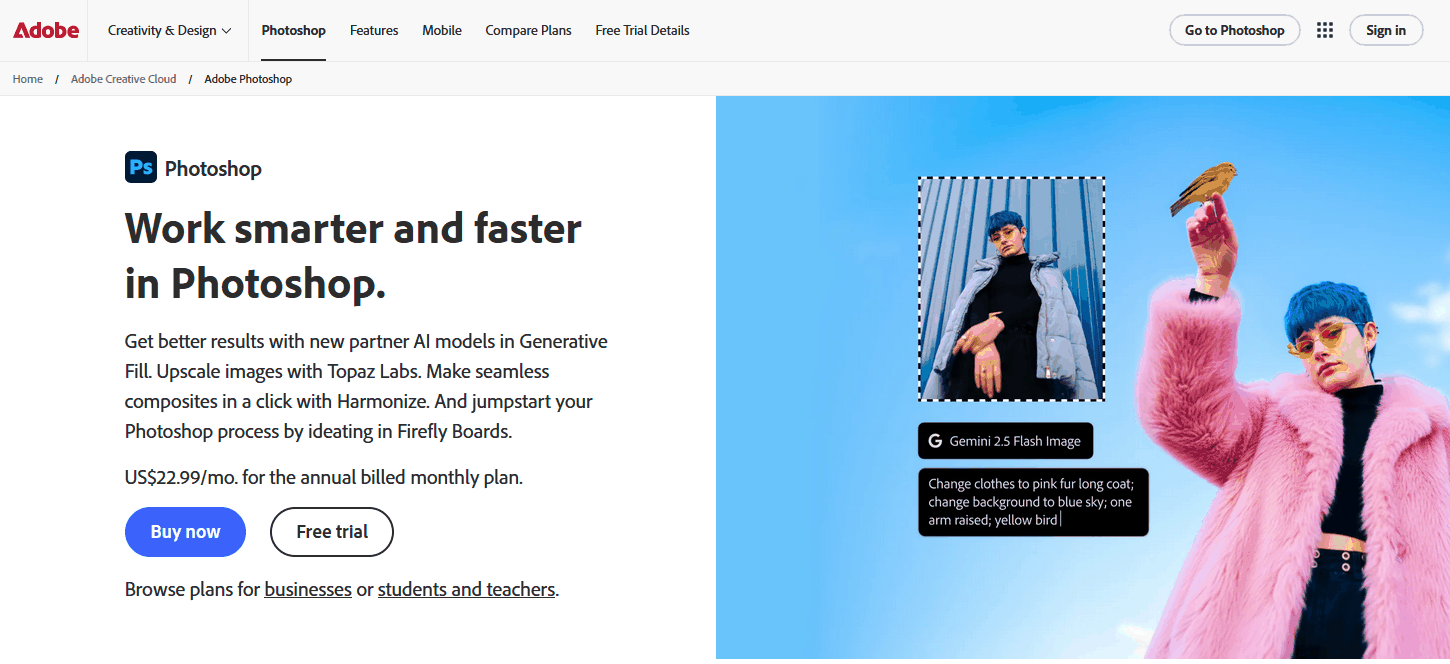
- Professional Suites: Software like Adobe Photoshop offers unparalleled control. However, the learning curve is steep, and the process of "loading files into stacks" and "creating frame animations" can be overly complex for users who just want a fast result.
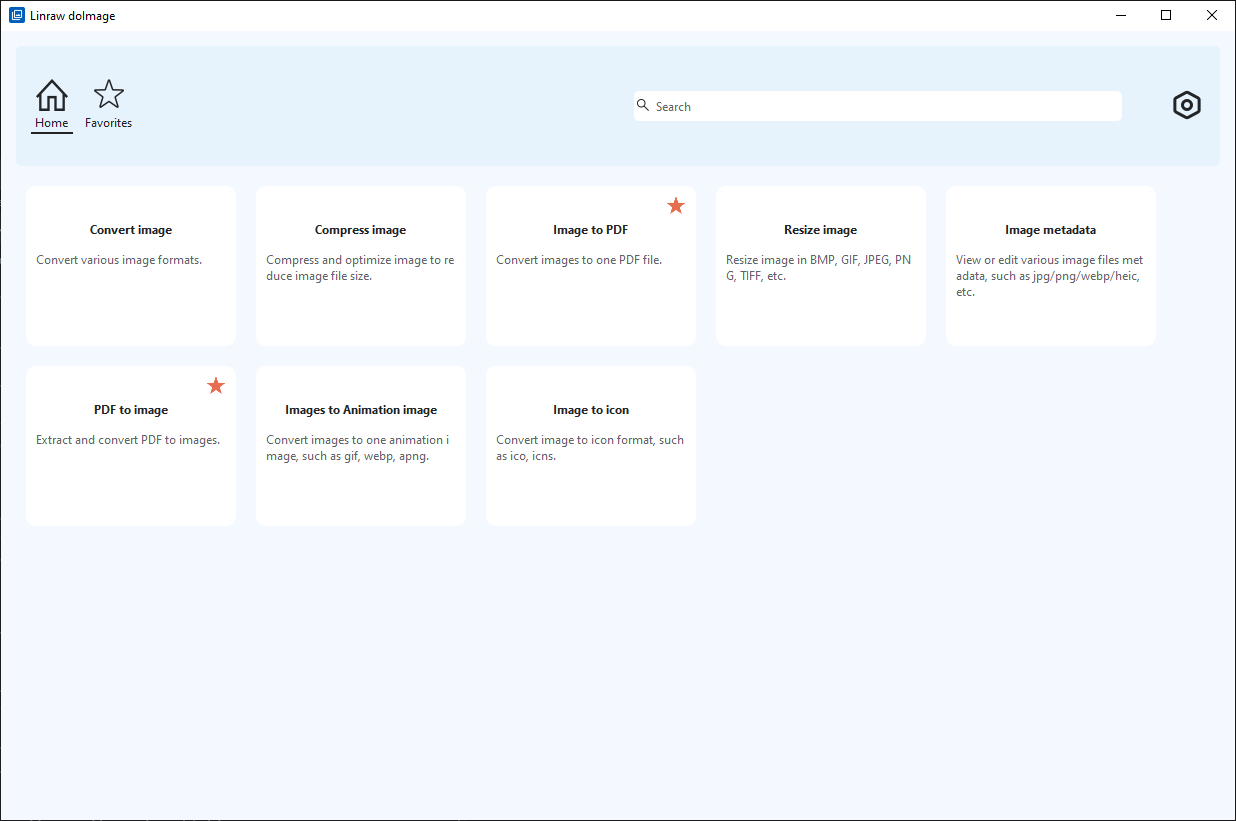
- Specialized Desktop Software Linraw doImage: This is the "sweet spot" for most users. Linraw doImage provide the speed of local processing with the advanced features of professional tools, all wrapped in a user-friendly interface.

Why Our Desktop Software is the Best Choice
Our software was built specifically to eliminate the "clutter" found in other tools. If you are looking for the best desktop image to GIF converter, here is why our solution stands out:
- Lightning-Fast Batch Processing: Unlike web tools that struggle with large files, our software handles dozens of high-resolution images simultaneously, converting them into a smooth GIF in seconds.
- Privacy & Security: Your images never leave your computer. There are no cloud uploads, ensuring your personal or proprietary content remains 100% private.
- Advanced Frame Control: Easily adjust the delay between frames, set your loop count, and preview your animation in real-time.
- No Watermarks or Hidden Fees: We believe your creations should be yours. Enjoy high-quality exports without distracting logos or recurring subscription costs.
How to Convert Images to GIF in 3 Easy Steps
With Linraw doImage, the process is streamlined for maximum efficiency:
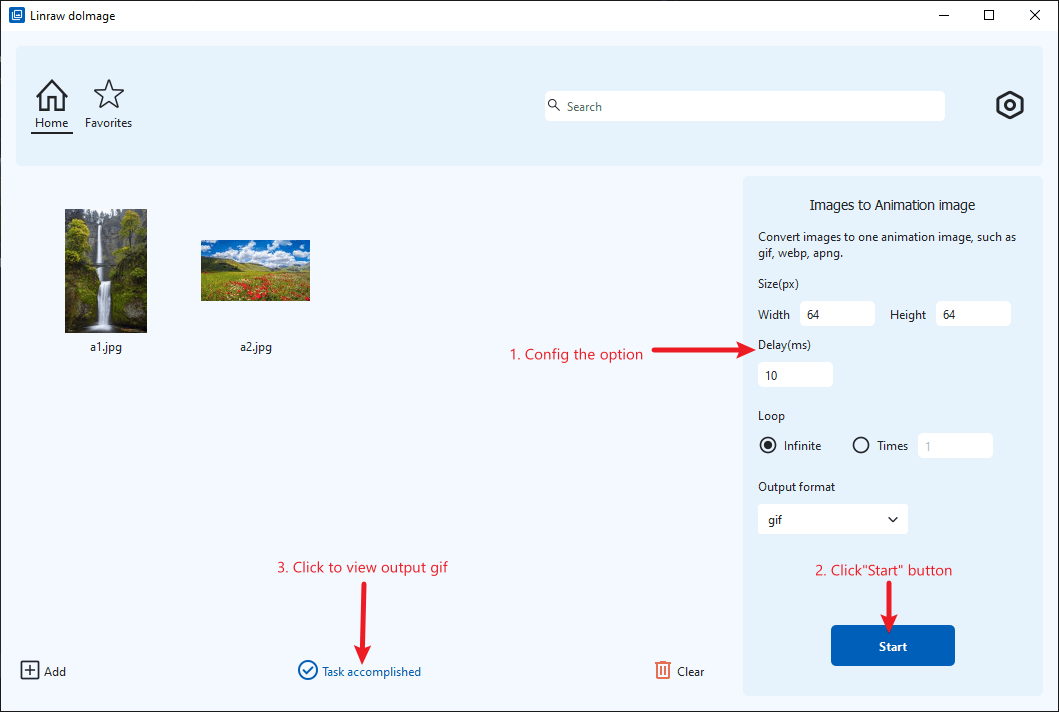
- Download and install Linraw doImage.
- Drag and Drop: Simply select your images and drop them into the application window.
- Customize the settings, including size, loop options, output format, and more.
- Click "Start" to begin the process.
- In just a few seconds, your high-quality animation will be ready.
Whether you're a professional designer or a casual creator, our software provides the most reliable and easiest way to make a GIF from images without compromising on quality.
Try Linraw doImage Free